
Products with ELD "DIGI05"
Below you will find a list of products with the ELD "DIGI05" obtained from our database, including their available manuals, documentation, and images.
Click the corresponding vendor name to obtain additional information on the manufacturer, as well as contact information for further troubleshooting.
Digital Fleet
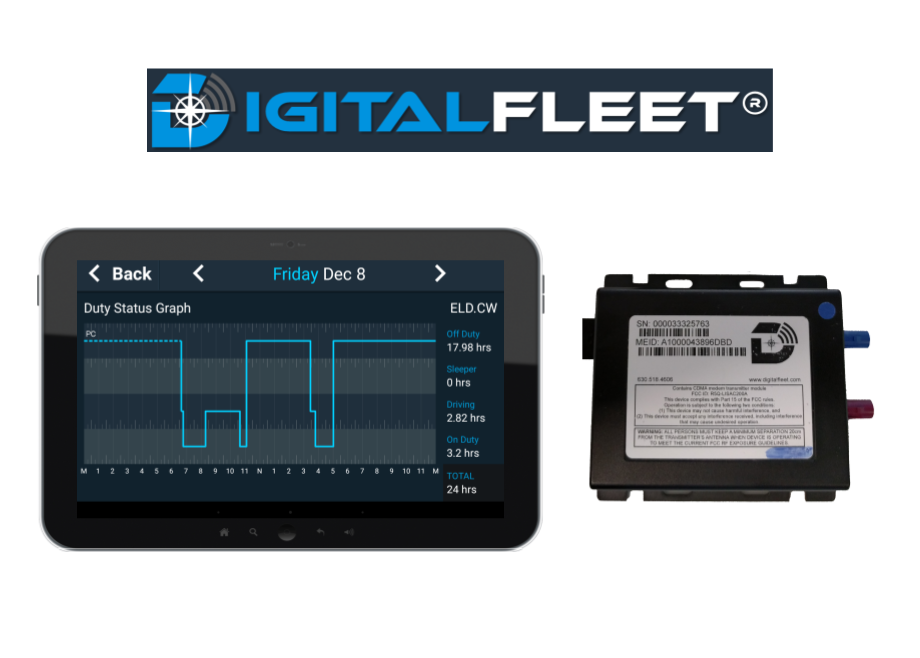
| Vendor | Device Name | Model Number | Approved Version |
|---|---|---|---|
| | Digital Fleet | DF-ELD | 5.3.0 and newer |
Data Transfer and Reporting Procedures
>Malfunctions and Testing
Our ELD supports data transfer by email or web services. Step 1: Select the "Transfer ELD Records" button in the ELD Screen to initiate a data transfer. Step 2: Enter Output File Comment as required. Step 3: Select desired data transfer mechanism. Step 4: Select "Transfer Records to FMCSA" to collect and transmit records.Certification Statement
Power compliance malfunction - Triggered if power compliance incidents result in a driving time understatement of 30 minutes or more on the ELD over a 24 hour period across all driver profiles. Engine synchronization compliance malfunction - Triggered when we are unable to receive required engine data for a combined total of 30 or more minutes over a 24 hour period. Timing compliance malfunction - Triggered when it is determined that the system time is more than 10 minutes off from UTC time. Positioning compliance malfunction - Triggered when we are unable to receive valid GPS data for a combined total of 60 or more minutes over a 24 hour period. Data recording compliance malfunction - Triggered when the ELD system is unable to record new data. Data transfer compliance malfunction - Triggered when the ELD system is unable to perform a data transfer to the FMCSA for more than 7 consecutive days.
User Manual:  Digital Fleet-Electronic Logging Device Feature.pdf
Digital Fleet
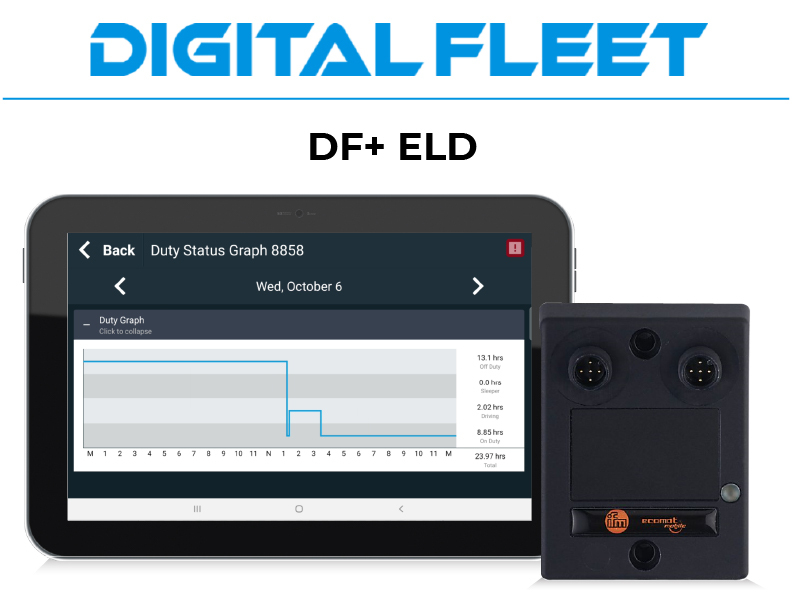
| Vendor | Device Name | Model Number | Approved Version |
|---|---|---|---|
| | Digital Fleet | DF-ELD | 8.5.0 and newer |
Data Transfer and Reporting Procedures
>Malfunctions and Testing
Our ELD supports data transfer by email or web services. Step 1: Select the "Transfer ELD Records" button in the ELD Screen to initiate a data transfer. Step 2: Under the "Transfer Records to the FMCSA" section, enter the Output File Comment as required. Step 3: Select desired data transfer mechanism. Step 4: Select "Transfer Records" to collect and transmit records.Certification Statement
Power compliance malfunction - Triggered if power compliance incidents result in a driving time understatement of 30 minutes or more on the ELD over a 24 hour period across all driver profiles. Engine synchronization compliance malfunction - Triggered when we are unable to receive required engine data for a combined total of 30 or more minutes over a 24 hour period. Timing compliance malfunction - Triggered when it is determined that the system time is more than 10 minutes off from UTC time. Positioning compliance malfunction - Triggered when we are unable to receive valid GPS data for a combined total of 60 or more minutes over a 24 hour period. Data recording compliance malfunction - Triggered when the ELD system is unable to record new data. Data transfer compliance malfunction - Triggered when the ELD system is unable to perform a data transfer to the FMCSA for more than 7 consecutive days.