
Products with ELD "TN0262"
Below you will find a list of products with the ELD "TN0262" obtained from our database, including their available manuals, documentation, and images.
Click the corresponding vendor name to obtain additional information on the manufacturer, as well as contact information for further troubleshooting.
Qv21 ELD Compliance Module
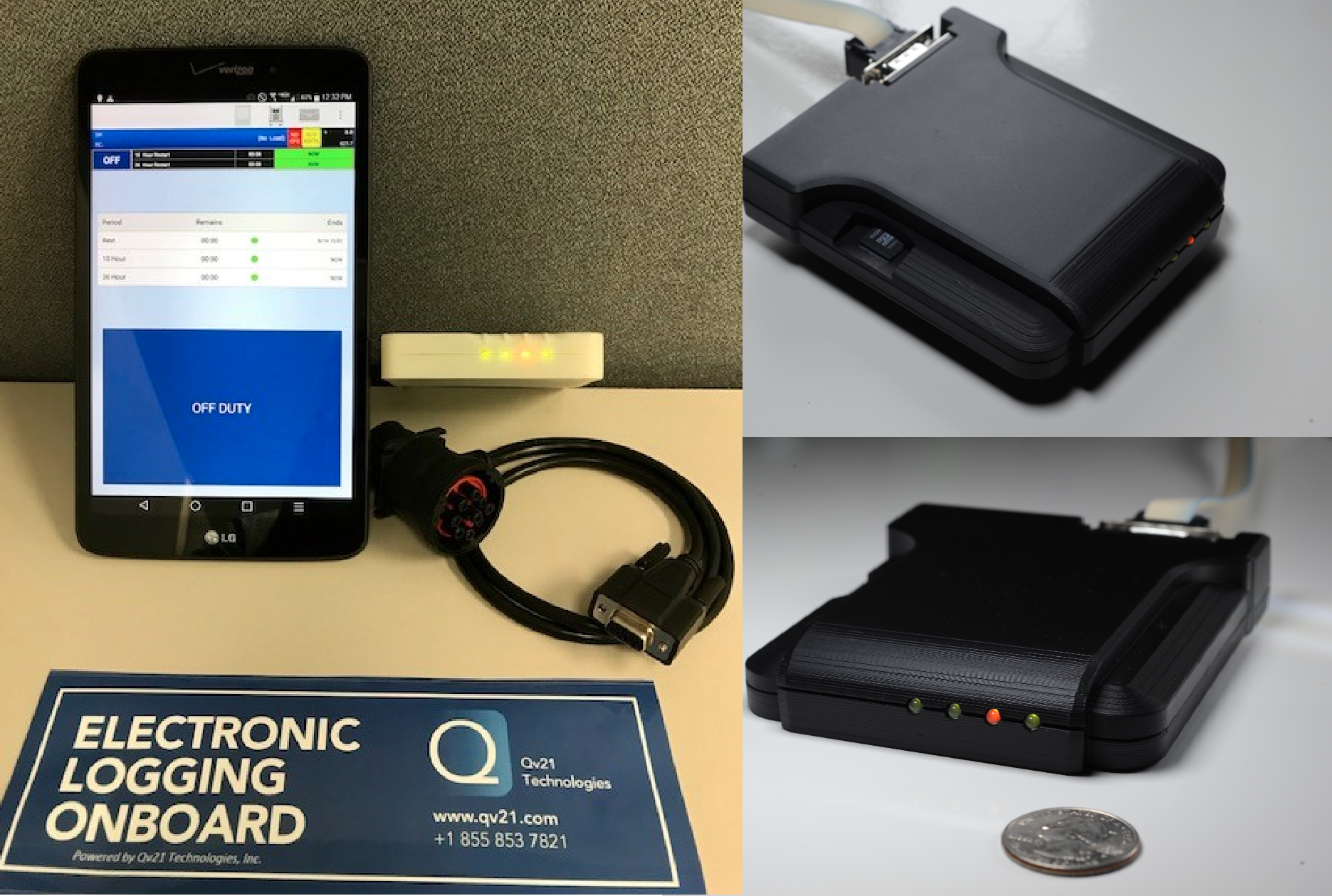
| Vendor | Device Name | Model Number | Approved Version |
|---|---|---|---|
| | Qv21 ELD Compliance Module | Qv21ELD | V2.26 |
Data Transfer and Reporting Procedures
> Telematic (Web Service, Email)Malfunctions and Testing
Qv21 Technologies will use 4.9.1 (1) Option 1 - Telematics transfer methods. Transfer the electronic data using both (i) Wireless Web services, and (ii) Email, as described below: 1. Onscreen Log Inspection a. To let an official inspect the driver logs from the handset, the driver would tap on the ‘graph’ icon from the tools bar or select from the dropdown. This will bring up the driver logs. The driver would hand the handset to the safety official for inspection. 2. Driver Log Review a. A safety official can review Current, Summary (history), and Changes by selecting the desired tab to see the graphs and also by scrolling on the associated records. 3. Qv21 uses the Web services option for transferring data to the FMCSA server. a. Once the official has reviewed the logs on the handset, they can have the driver simply tap on the ‘transmit logs’ button to transfer data via Web services using a routing code provided by the safety official.Certification Statement
Malfunction/Diagnostic Bluetooth Comms Power Power TN * 10/1000 Power TN & Power Asset Normal CAN Fail * SD Fail * GPS Fail * BT Connected BT Not Connected BT Fail * Normal Diagnostic * 400/400 duty cycle Malfunction * 750/750 duty cycle No SD card or card failure * * 800/400 duty cycle BT startup failure * * * 800/400 duty cycle Driving without login * * * * 250/250 duty cycle Firmware update started * Flashing firmware * Validating firmware * Firmware update complete * * * * 3 seconds then reboot Firmware update failed * * * * 3 seconds then reboot
User Manual:  Qv21_ELD_UG.pdf