
Products with ELD "SW3LDJ"
Below you will find a list of products with the ELD "SW3LDJ" obtained from our database, including their available manuals, documentation, and images.
Click the corresponding vendor name to obtain additional information on the manufacturer, as well as contact information for further troubleshooting.
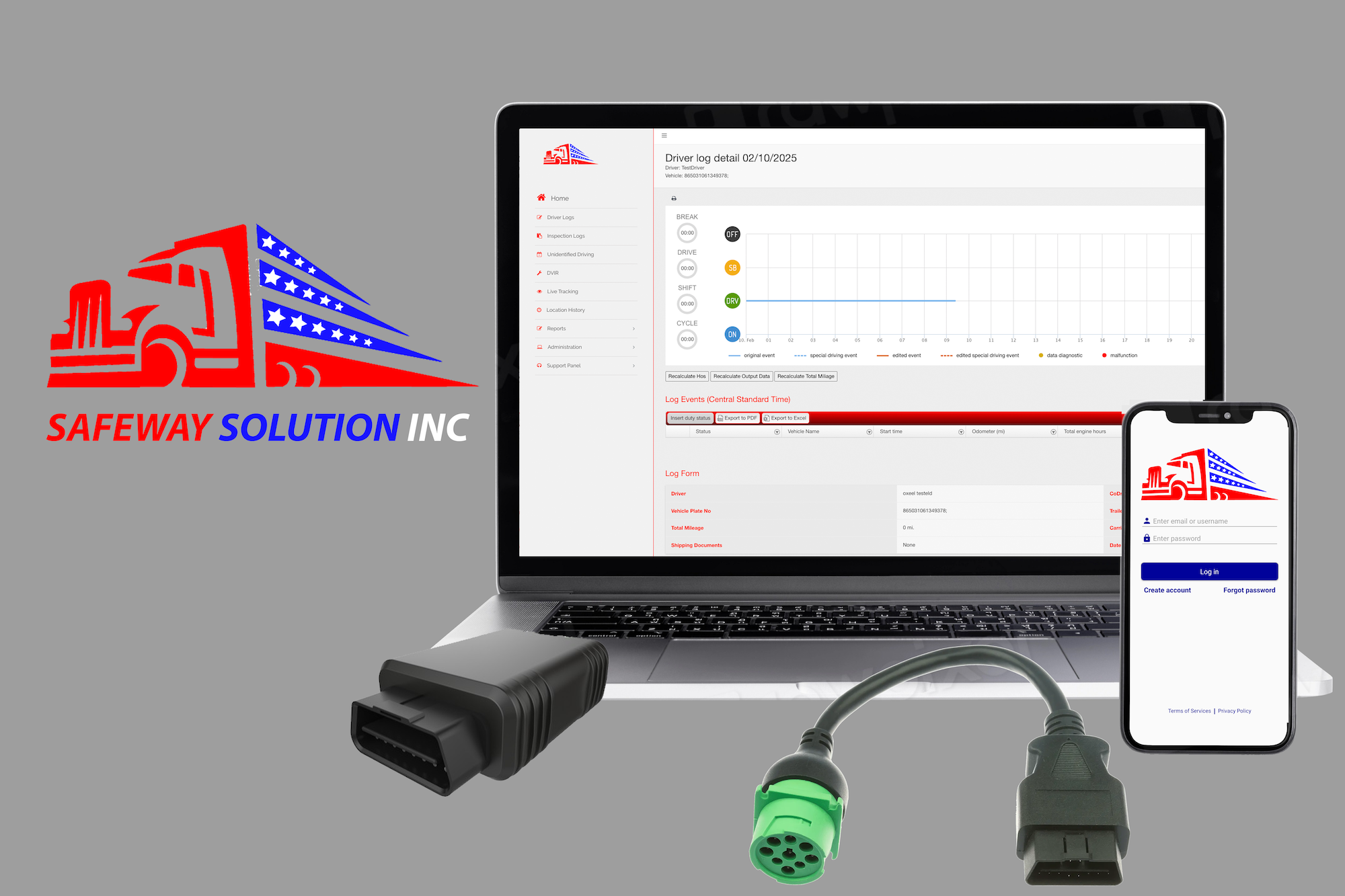
SmartWay ELD
| Vendor | Device Name | Model Number | Approved Version |
|---|---|---|---|
| | SmartWay ELD | SWJ1962 | 1.0.0 or higher |
Data Transfer and Reporting Procedures
> Telematic (Web Service, Email)Malfunctions and Testing
To transfer log files using the SmartWay ELD Mobile application, access the main menu and select Send Logs. Then, choose Send Output File to proceed. Two transfer options are available: • Email Submission: This securely sends the file via FMCSA’s designated email system. The output file is encrypted using AES-256 (Advanced Encryption Standard, 256-bit key) for security. • Web Service Transfer: This method utilizes FMCSA’s approved web services for direct file transmission. If a roadside inspector requests additional details in the output file, enter the required information in the Comment field before submission.Certification Statement
The ELD automatically detects and logs any system malfunctions or data diagnostic inconsistencies to ensure compliance with FMCSA regulations. Below are the key malfunction types and their definitions: Malfunction Codes • P – Power Malfunction: The ELD failed to record over 30 minutes of drive time due to power loss across all driver profiles, including unidentified drivers. • E – Engine Synchronization Malfunction: A disruption in vehicle communication lasting more than 30 minutes within a 24-hour period was detected. • T – Timing Malfunction: The internal clock of the ELD was inaccurate by 10 minutes or more. • L – Location Malfunction: The system was unable to obtain valid GPS data. If accurate location updates are not received within a 5-mile radius for 60 cumulative minutes over 24 hours, a malfunction is logged. Drivers may need to input location details manually when changing duty status. • R – Data Storage Malfunction: The device’s storage capacity was exceeded, preventing it from logging required events. • S – Data Transfer Malfunction: If the ELD cannot verify the functionality of its data transmission system within seven days, it attempts to retry every 24 hours for three days. If unsuccessful, a malfunction is recorded. • O – Other Malfunctions: Covers software or hardware failures, unexpected crashes, or unidentified system errors. Diagnostic Event Categories • 1 – Power Diagnostic Event: The ELD required more than one minute to fully power on, triggering a diagnostic warning for the respective driver or the unidentified driver profile. • 2 – Engine Sync Diagnostic Event: The ELD was unable to access critical vehicle data within five seconds when required. • 3 – Missing Data Elements Event: A required data field was not captured. If location data is unavailable when an event occurs, latitude and longitude fields display “X”, or “M” if entered manually. • 4 – Data Transfer Diagnostic Event: A failure occurred during a log transfer test at an inspection, or an error was detected while attempting to send data. If data transmission cannot be confirmed, the system enters an unverified transfer mode. • 5 – Unidentified Driving Records Diagnostic Event: If more than 30 minutes of unidentified driving time is recorded within 24 hours, this event is flagged. The alert remains visible to all logged-in drivers for seven days or until unidentified driving time is reduced to 15 minutes or less.
User Manual:  SmartWay_User_Manual.pdf