
Products with ELD "PMSELD"
Below you will find a list of products with the ELD "PMSELD" obtained from our database, including their available manuals, documentation, and images.
Click the corresponding vendor name to obtain additional information on the manufacturer, as well as contact information for further troubleshooting.
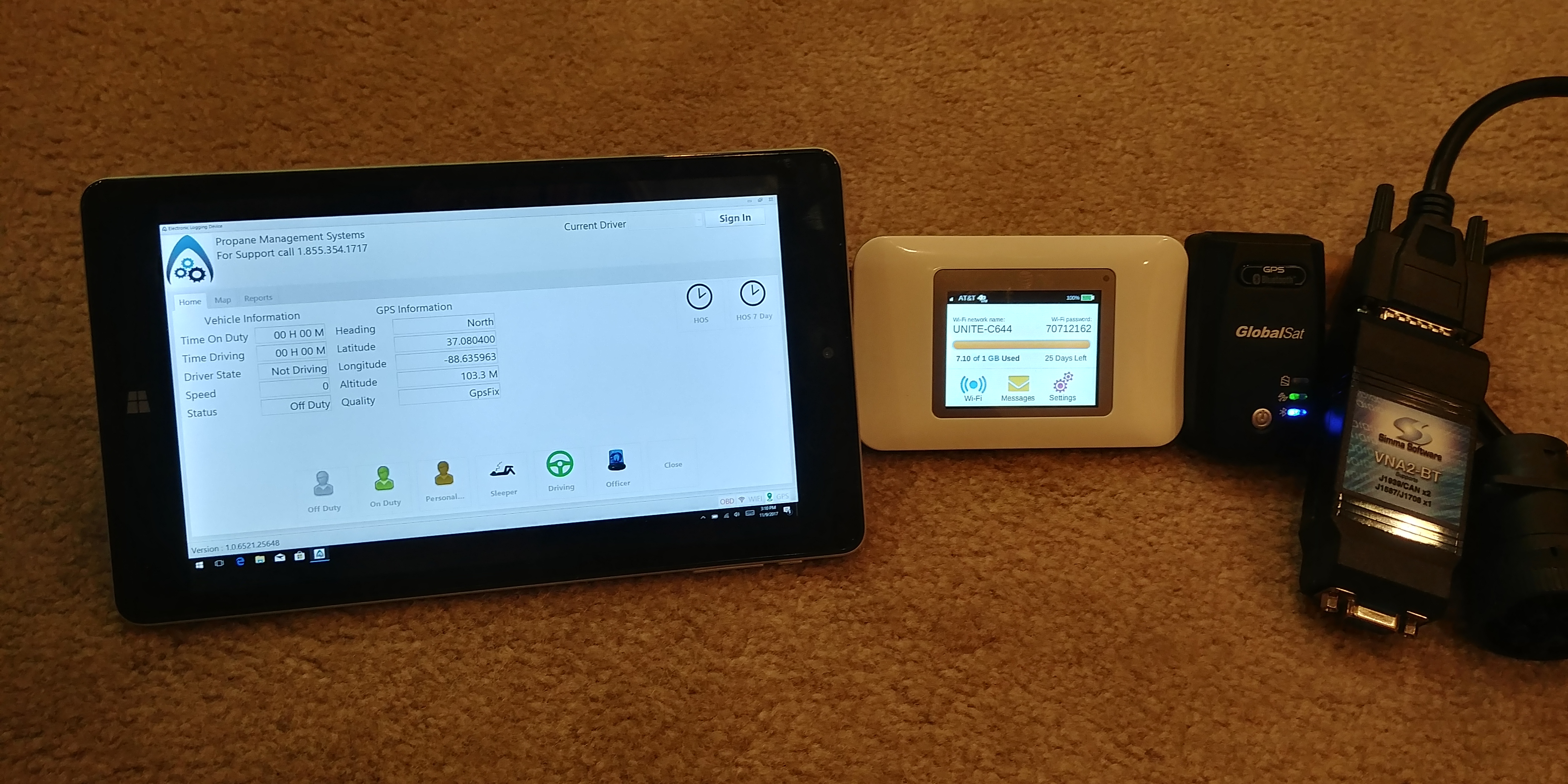
PMS Electronic Logging Device
| Vendor | Device Name | Model Number | Approved Version |
|---|---|---|---|
| | PMS Electronic Logging Device | PMSE01 | 1.0 |
Data Transfer and Reporting Procedures
>Malfunctions and Testing
The ELD Output file is composed of records from the cached data. It will pull all users that have driven the CMV currently in use by the driver, the unidentified driver record will be retrieved, and it will pull all CMVs the driver has operated in the time period. Any events related to the driver, truck, and unidentified driver records will be included after the header, user list, and truck list in the order outlined in section 4.8.2 of the functional requirements document. The file is saved to a CSV using the ELD Output File Name Standard outlined in 4.8.2.2. Each method of data transfer selected must go through the process of gathering the required data, and generating the CSV file. There are three methods currently available to the driver for transferring the generated file. The methods are Web Service, Email, and USB. The Web Service method will generate the CSV file, and package it in the outlined format FMCSA requires for their web service. The Email method will encrypt and sign the generated file into SMIME using RSA, and encrypt again using the provided AES key before sending over SMTP. The USB method will detect the USB device, and transfer the file to the authorized official. The first step for the driver is to press the "Officer" button on the main screen. A new screen will pop up to select Web Service, Email, or USB. They will press one of the options, and press "Proceed to Output". It will prompt the driver to enter in an output file comment using the form's on-screen keyboard. Once they are finished entering in the comment, they will press "Accept". The data transfer process will start for the selected option, and the screen will inform the driver when the transfer completes. If records are being requested outside of the cached data window, the authorized officials can request the information from the office. The office program allows for up to 6 months or older to be retrieved. The office program allows for selecting based off of driver, trucks, or terminal, and will generate a file with a requested date range. Multiple files will be generated following the required naming convention, and will include the same format as a truck generated output file.Certification Statement
The device has been developed to monitor and record the malfunctions and diagnostics listed in Table 4 of the ELD ruling. Power Data Diagnostic and Power Compliance Malfunction: The device will check to see if it was the engine had been running before the device had started monitoring. The device will check to see if and aggregated 30 or more minutes of driving time has occurred that was not recorded otherwise by the device in the last 24 hour period. Engine Synchronization Data Diagnostic and Engine Synchronization Compliance Malfunction: The device continually monitors it's connection with the CMV's ECM. The device also checks if 30 or more minutes of aggregated connection loss occurs withing the last 24 hour period. Timing Compliance Malfunction: The device will synchronize its clock with an Internet time server. Positioning Compliance Malfunction: The device continually monitors its ability to obtain the current GPS position and will check if an aggregated 60 or more minutes of inability to obtain current position in the past 24 hour period. Data Recording Compliance Malfunction: The device monitors its ability to record all events. Data Transfer Data Diagnostic and Data Transfer Compliance Malfunction: The device will periodically check if it is able to communicate with FMCSA web services and if any initiated data transfers fail. Other ELD Identified Diagnostic and Other ELD Detected Malfunction: In the event a device specific error the it monitors occurs that is not otherwise listed in Table 4, the device will record it. Missing Required Data Elements Data Diagnostic: The device will check if any user entered data is missing required elements. Unidentified Driving Records Data Diagnostic: The device will check if an aggregated 30 or minutes of recorded, but otherwise unidentified driving time occurred within the past 24 hour period.
User Manual:  ELD Manual.pdf