
Products with ELD "ISELD9"
Below you will find a list of products with the ELD "ISELD9" obtained from our database, including their available manuals, documentation, and images.
Click the corresponding vendor name to obtain additional information on the manufacturer, as well as contact information for further troubleshooting.
infoTRAK ELD
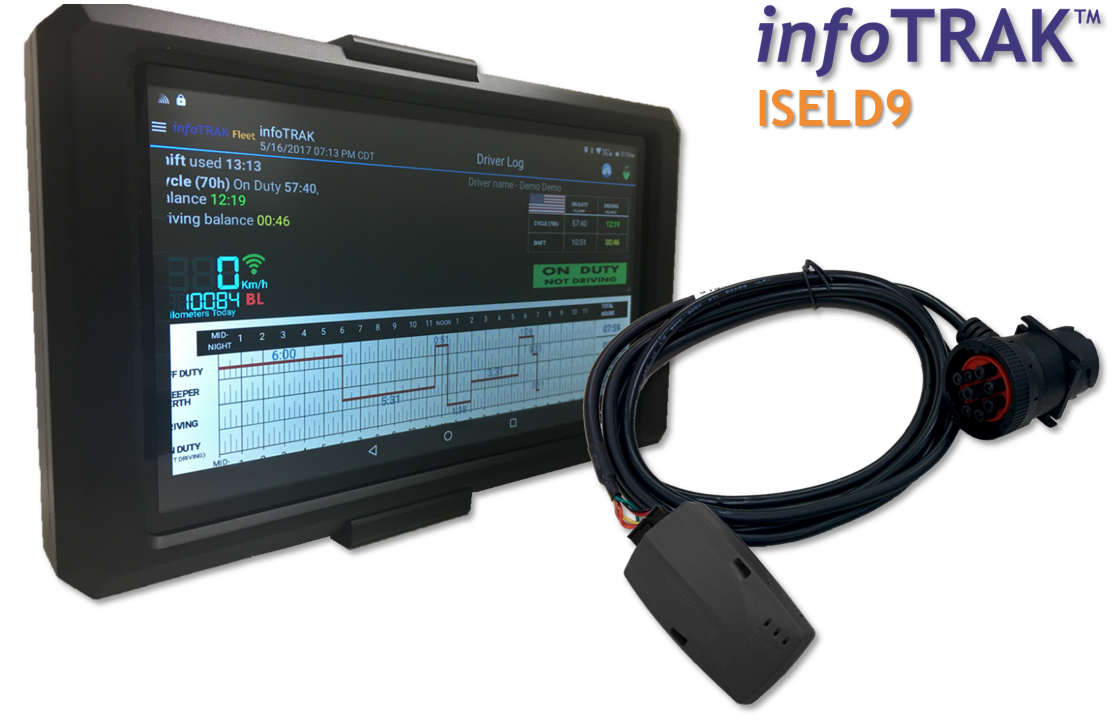
| Vendor | Device Name | Model Number | Approved Version |
|---|---|---|---|
| | infoTRAK ELD | infoTRAK Bluelink | 3.7 and Higher |
Data Transfer and Reporting Procedures
> Local (Bluetooth) , Telematic (Web Service, Email)Malfunctions and Testing
The “officer icon” present on all the screens once logged-in. There is a detail description in the document describing how the officer can enter “officer mode” It is simple to view the 'officer mode" by clicking on the "officer" icon on the top right hand side corner. Once in “officer mode” the Daily Header and Full Day ELD Record as defined by the FMCSA can be viewed. On the bottom of the page there is a button marked “send report.” Clicking this button brings up the window to email the report to any email address entered. More than one email address can be entered.Certification Statement
All Malfunctions (Engine synchronization, power compliance, etc.) are recorded and given the appropriate Diagnostic Code. Example: TIME BACK TIME EVENT TYPE LOCATION NOTES 3/2/2017 Malfunction Troy, NY Code:E, Description: Malfunction - Engine synchronization compliance 03:31:14AM Odometer:559800.00
User Manual:  FMCSA infoTRAK DriverLog Manual.pdf