
Products with ELD "ELOG01"
Below you will find a list of products with the ELD "ELOG01" obtained from our database, including their available manuals, documentation, and images.
Click the corresponding vendor name to obtain additional information on the manufacturer, as well as contact information for further troubleshooting.
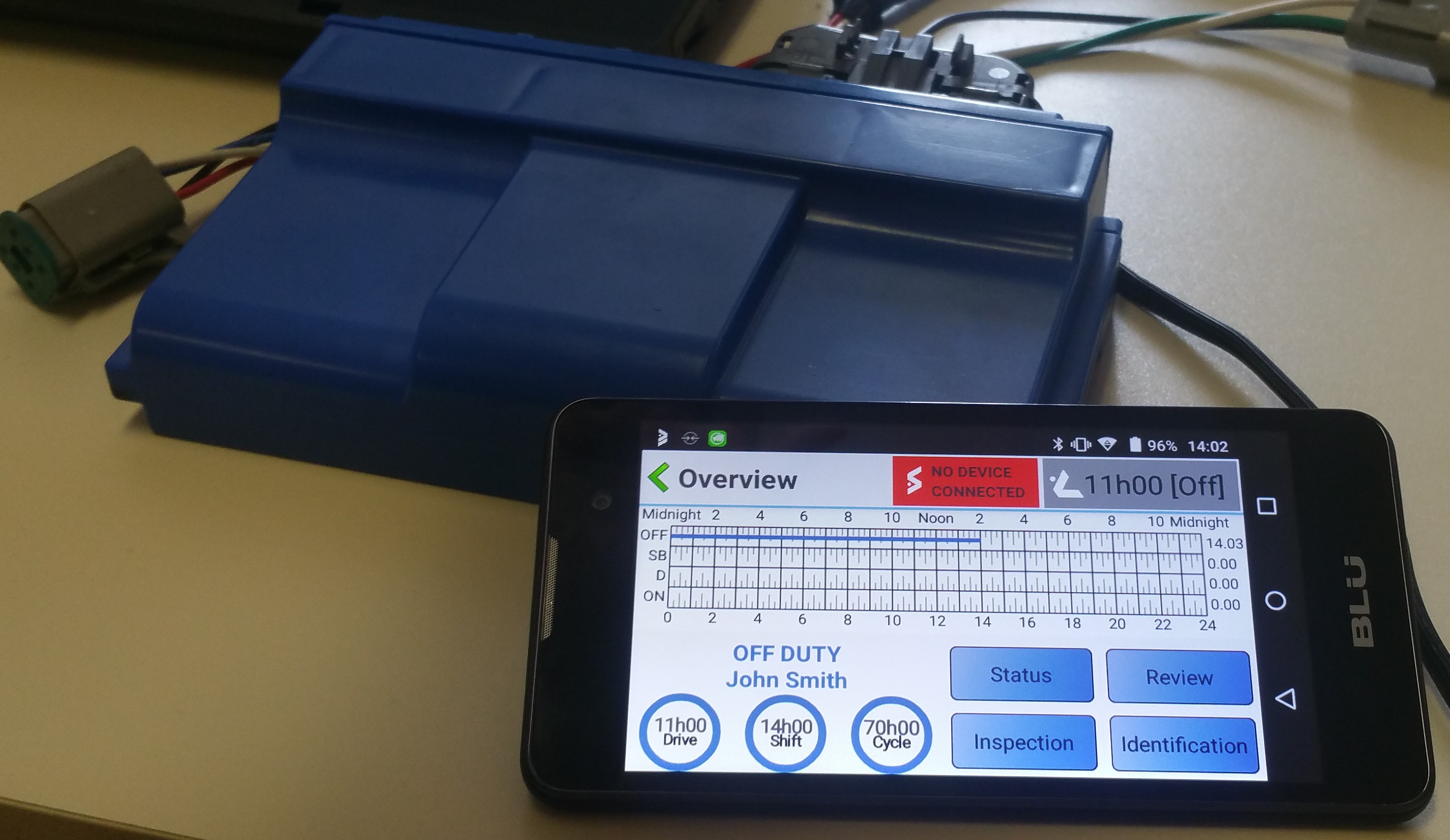
E-LOG
| Vendor | Device Name | Model Number | Approved Version |
|---|---|---|---|
| | E-LOG | 1403 | 17081801 |
Data Transfer and Reporting Procedures
>Malfunctions and Testing
Description of the supported and certified data transfer mechanisms: Option 1—Telematics transfer methods (Email) and Wireless Web service (when available). Step-by-step instructions for a driver to produce and transfer the ELD records to an authorized safety official: Starting from the ELD_Overview menu: * Select the "Inspection" button * {A comment may be entered in the comment textbox } To transfer to web service: *Click the "Send to web service" button To transfer over email : *Click the "Send over email" button For on-screen verification: *Click the "Show on screen" buttonCertification Statement
[1] DIAGNOSTIC_POWER A difference of at least 1 min was found between the engineHours reading of an engine turn-off and engine turn-on records, meaning that Eld was not powered within 1 minutes of the vehicle engine receiving power. [P] MALFUNCTION_POWER A cummulated difference of over 30 minute in the last 24h was detected. [2] DIAGNOSTIC_ENGINE_SYNC Access to motion status, engine operation, odometer and engine hour took at least 5 seconds to access when required. [E] MALFUNCTION_ENGINE_SYNC A cummulative 30 minutes of failed access to engine parameters in the last 24h was detected [3] DIAGNOSTIC_MISSING_DATA At the moment on record creation, either the location was unavailable, or the last known position was 5 mile or more from current location. [4] DIAGNOSTIC_DATA_TRANSFER The ELD failed to generate and/or transfer at least one of the possible report type. [S] MALFUNCTION_DATA_TRANSFER The ELD failed 4 consecutive time the report generation and transfer test. [5] DIAGNOSTIC_UNIDENTIFIED_DRV More than 30 minutes in a 24 hour period of driving time recorded to the unassigned driver profile. (in the last 7 day) [6] DIAGNOSTIC_OTHER The system is running low on memory [O] MALFUNCTION_OTHER System memory critically low [T] MALFUNCTION_TIMING System clock detected an offset of over 10 minutes when compared to UTC. [L] MALFUNCTION_POSITIONING The system failed to aquire GPS location for at least 5 driven miles, for a total of at least 60 minutes in a 24h period. OR The system failed to aquire GPS location at the moment of a record creation. [R] MALFUNCTION_RECORDING The system failed to save a record and had to remove previously synchronised record to keep working, report generation compromised...
User Manual:  Quick user guide_E-LOG_V1.pdf
EYELOG
| Vendor | Device Name | Model Number | Approved Version |
|---|---|---|---|
| | EYELOG | ELD-SM-JA | 1.2.7 |
Data Transfer and Reporting Procedures
> Local (USB, Bluetooth) , Telematic (Web Service, Email)Malfunctions and Testing
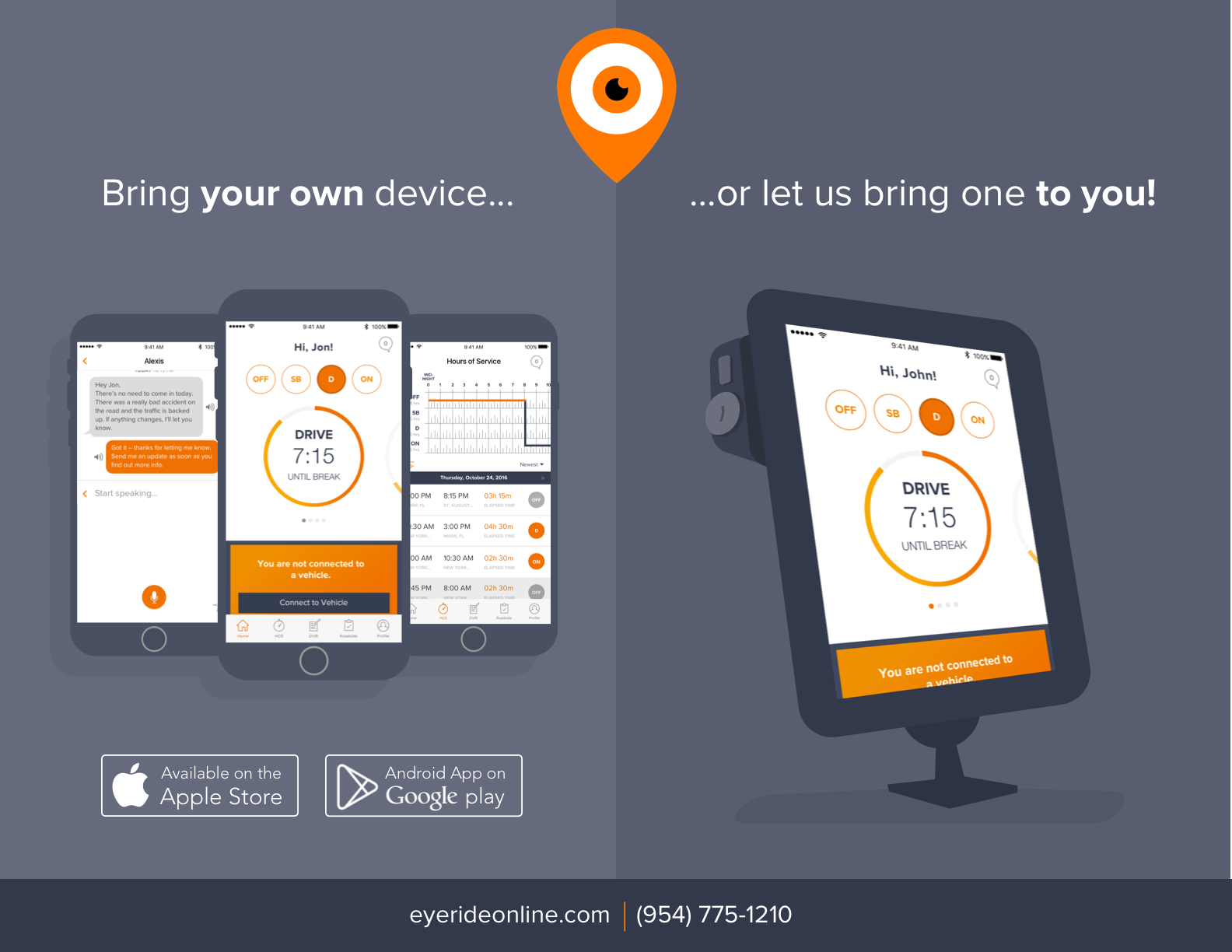
EYERIDE’s ELD supports wireless data transfer methods via email or web services. The following steps outline the process of transferring ELD records to an authorized safety official. 1. Navigate to the “Roadside Inspections” screen by clicking on the “Roadside” tab in the main tabbed navigation bar. 2. Click on “Begin Inspection” button. 3. The driver can then review logs. 4. If logs are accurate click on “Send Logs” 5. Choose the appropriate transfer method 6. If email is chosen then the user may input multiple email addresses to where the logs will be sent. Finally, click “Send” 7. If web services is chosen, the App will automatically send the logs to FMCSA serversCertification Statement
If an ELD malfunctions and connection is lost between the host tablet and client Bluetooth device, the ELD will display a warning stating that connection to the ECM has been lost. In this case, the connection will try to be recovered automatically. The ELD will make periodic requests to reconnect to the last known Bluetooth device. Also, the ECM connected hardware will automatically restart itself at a specified interval if there is no communication to the host device. This is to make sure that the ECM connected hardware is not in a blocked state. The ELD uses the required Web Services/Email output options. However, both of these options require internet connectivity. Therefore, a malfunction may be observed if an attempt is made to send logs while the ELD does not have internet connection. To work around this, we have also implemented local USB transfer methods. Even if this malfunction is encountered, drivers may still export their logs via portable USB drives.
User Manual: EYERIDE ELD User Manual.pdf
EYELOG (Android)
| Vendor | Device Name | Model Number | Approved Version |
|---|---|---|---|
| | EYELOG (Android) | ELD-SM-JA | 1.3.1 |
Data Transfer and Reporting Procedures
> Local (USB, Bluetooth) , Telematic (Web Service, Email)Malfunctions and Testing
EYERIDE’s ELD supports wireless data transfer methods via email or web services. The following steps outline the process of transferring ELD records to an authorized safety official. 1. Navigate to the “Roadside Inspections” screen by clicking on the “Roadside” tab in the main tabbed navigation bar. 2. Click on “Begin Inspection” button. 3. The driver can then review logs. 4. If logs are accurate click on “Send Logs” 5. Choose the appropriate transfer method 6. If email is chosen then the user may input multiple email addresses to where the logs will be sent. Finally, click “Send” 7. If web services is chosen, the App will automatically send the logs to FMCSA servers Utilizes EYEDASH AI or EYETRANSIT 12 as a communication gateway. Supported OS versions: Android 8.0 and upCertification Statement
If an ELD malfunctions and connection is lost between the host tablet and client Bluetooth device, the ELD will display a warning stating that connection to the ECM has been lost. In this case, the connection will try to be recovered automatically. The ELD will make periodic requests to reconnect to the last known Bluetooth device. Also, the ECM connected hardware will automatically restart itself at a specified interval if there is no communication to the host device. This is to make sure that the ECM connected hardware is not in a blocked state. The ELD uses the required Web Services/Email output options. However, both of these options require internet connectivity. Therefore, a malfunction may be observed if an attempt is made to send logs while the ELD does not have internet connection. To work around this, we have also implemented local USB transfer methods. Even if this malfunction is encountered, drivers may still export their logs via portable USB drives.
User Manual: EYERIDE ELD User Manual.pdf