
Products with ELD "ELDv80"
Below you will find a list of products with the ELD "ELDv80" obtained from our database, including their available manuals, documentation, and images.
Click the corresponding vendor name to obtain additional information on the manufacturer, as well as contact information for further troubleshooting.
FACTOR Electronic Logging
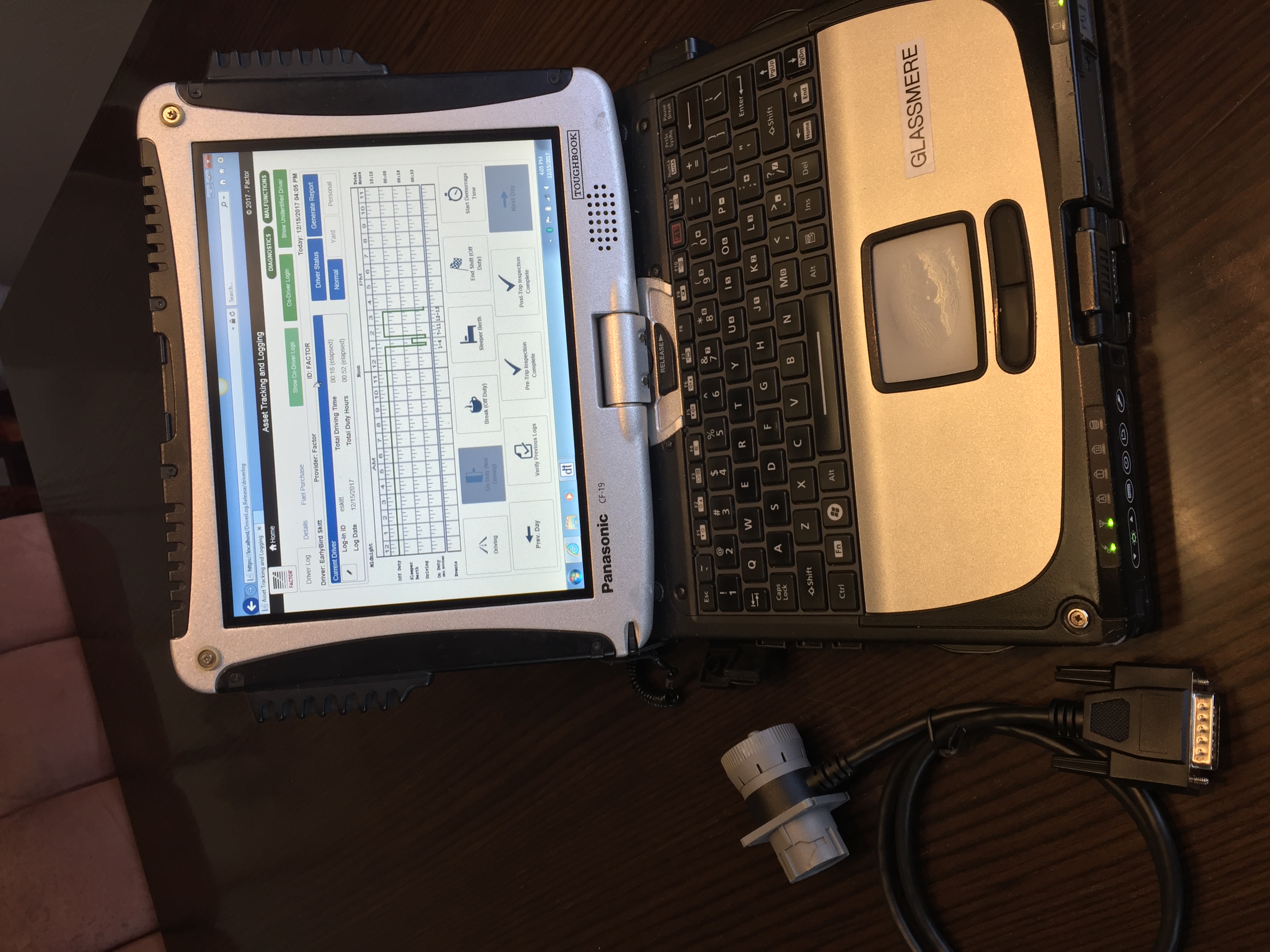
| Vendor | Device Name | Model Number | Approved Version |
|---|---|---|---|
| | FACTOR Electronic Logging | ELDTrak | 8.0 |
Data Transfer and Reporting Procedures
>Malfunctions and Testing
USB and Bluetooth To transfer the data to a USB 2.0 device: • From the Driver Logs tab, press the Generate Report button. • Click “Yes” to confirm you wish to generate a report. • Select the output type of the report (USB). o Insert a USB drive. o If the drive does not show in the drop down, click the refresh icon. o Select the drive letter for the USB drive. o Prompt the driver for the path to the authentication file on the safety official's USB drive • Enter comment if needed. • Click OK To transfer the data using Bluetooth: • From the Driver Logs tab, press the Generate Report button. • Click “Yes” to confirm you wish to generate a reportCertification Statement
Summary of Malfunctions Power Compliance Engine Synchronization Timing Compliance Positioning Compliance Data Recording Monitor Unidentified Driver Data Transfer
User Manual:  DeliveryTrak_Driver_Logs_UserGuide.pdf