
Products with ELD "ELDMCB"
Below you will find a list of products with the ELD "ELDMCB" obtained from our database, including their available manuals, documentation, and images.
Click the corresponding vendor name to obtain additional information on the manufacturer, as well as contact information for further troubleshooting.
BreakerLog ELD
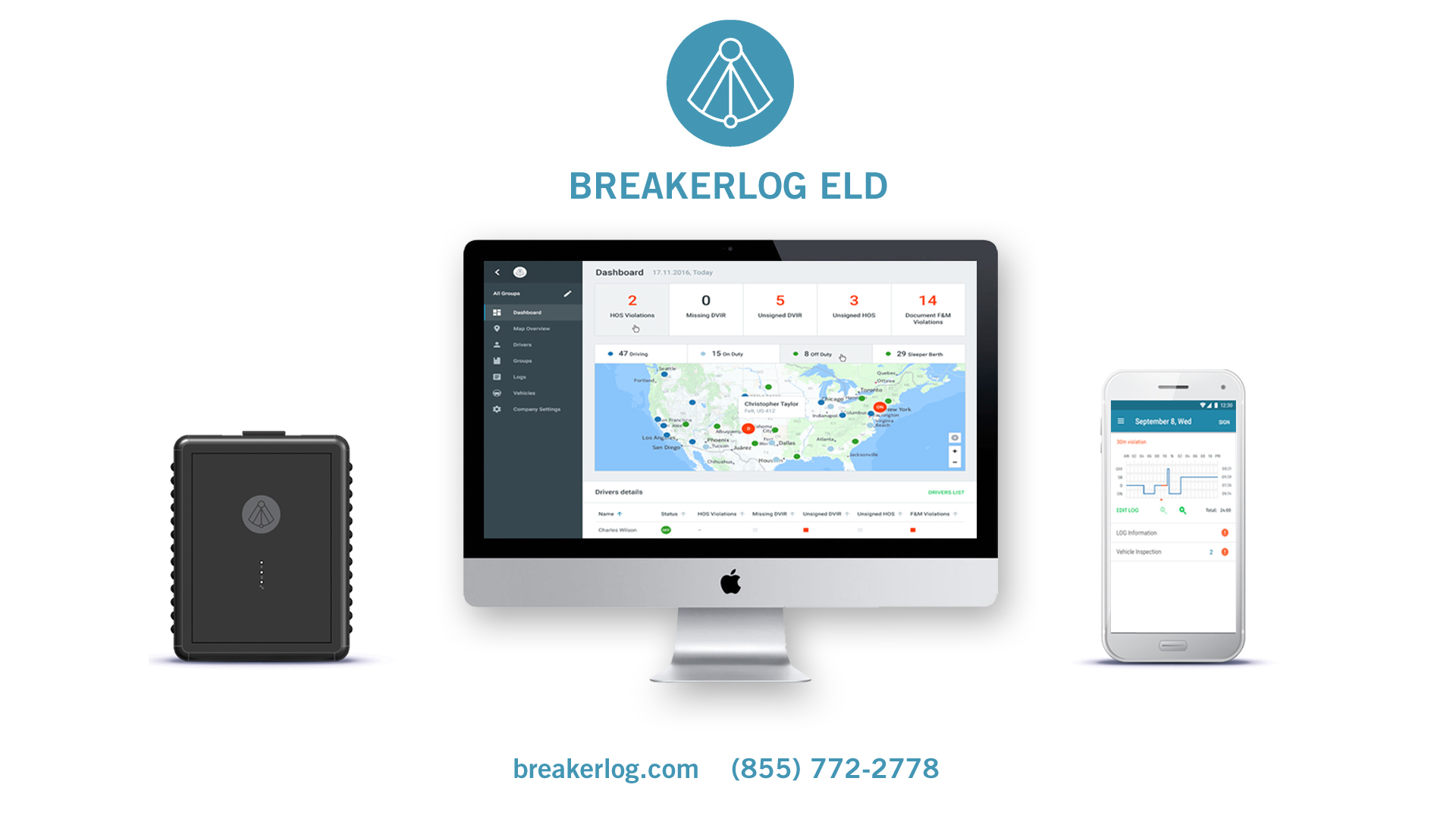
| Vendor | Device Name | Model Number | Approved Version |
|---|---|---|---|
| | BreakerLog ELD | BLELD-5 and higher | 5.0 and higher |
Data Transfer and Reporting Procedures
>Malfunctions and Testing
According to ELD Final Rule requirement, BreakerLog ELD supports and certifies a data transfer mechanism based on Telematic option using Email and Web-Services. In order for conduct a data transfer, the Driver must complete following steps: Select menu item “DOT Reports” Select “Create Data Transfer” Select from following data transfer methods: 1. Email – if selected, driver must complete following actions: 1.1. Enter optional “Output File Comment” in menu field 1.2. Enter the address provided by the inquiring party in appropriate field in mailing application 1.3. Complete action by selecting “Send” – email containing an encrypted ELD output file will be sent to specified address 2. Web Service – if selected Driver must complete following actions 2.1. Enter optional “Output File Comment” in menu field 2.2. Select “Complete Transfer”, after which report will be uploaded into FMCSA specified web service endpoint.Certification Statement
Breakerlog ELD system supports and monitors following malfunction events: a) P - “Power compliance” malfunction b) E - “Engine synchronization compliance” malfunction c) T - “Timing compliance” malfunction d) L - “Positioning compliance” malfunction e) R - “Data recording compliance” malfunction f) S - “Data transfer compliance” malfunction g) O - “Other” ELD detected malfunction
User Manual:  BreakerLog ELD Driver Manual.pdf