
Products with ELD "C201EX"
Below you will find a list of products with the ELD "C201EX" obtained from our database, including their available manuals, documentation, and images.
Click the corresponding vendor name to obtain additional information on the manufacturer, as well as contact information for further troubleshooting.
TruckRec
| Vendor | Device Name | Model Number | Approved Version |
|---|---|---|---|
| | TruckRec | H100 | 2.0 |
Data Transfer and Reporting Procedures
>Malfunctions and Testing
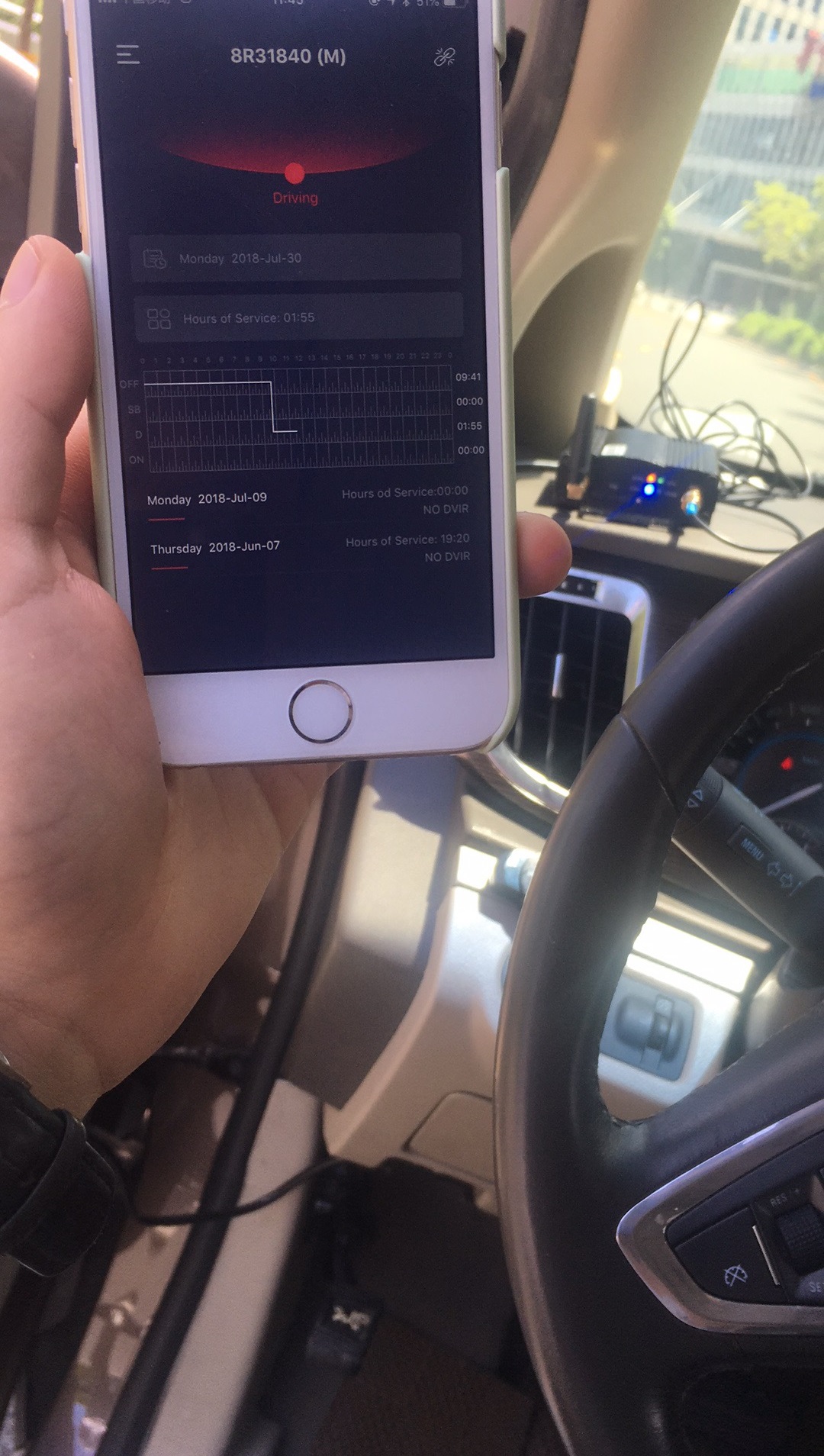
After logging in our ELD APP, the driver is able to select “RODS” from the left main navigation bar to go to “RODS” page. Select the log of the day(s) to be sent by clicking the corresponding box(es). Click “Send” to go to “Send Log” page. Select “To FMCSA (Web Service)” or “To FMCSA (Email)” and then click “Send”. The logs of the day(s) is then sent to the authorized safety official through FMSCA web service or FMSCA designated email address accordingly. Please also refer to the User Manual for captured pictures for the pages of our ELD APP.Certification Statement
Our ELD has the ability to detect malfunctions related to power, data synchronization, missing data, timing, positioning, data recording, data transfer, and unidentified driver records requirements. When such malfunctions occur in our ELD, we do the following or request the users to act as follows so as to resolve the data inconsistencies: 1.“Power compliance” malfunction We request the driver to keep logging into the APP or log into the APP before the vehicle’s engine is powered. When the vehicle’s engine is receiving power, our ELD shall receive data from Engine ECM and indicate the data transfer on the APP. If the driver observes there is no shown status or status request in the APP, this implies a “power compliance” malfunction and the driver shall report to the carrier’s administrator. Our system shall record this malfunction. 2.“Engine synchronization compliance” malfunction Our ELD, after installation, will record in our system once it is removed accidentally or intentionally from the interface and a notice will be provided to the driver through APP to prompt the driver to rectify. The notice will be also given to the carrier’s administrator to follow up. 3.“Timing compliance” malfunction The system clock of our ELD is structured to be cross-checked periodically with an accurate external UTC source. When it does not meet the underlying compliance requirement (although it is very unlikely to occur), our ELD shall record a timing compliance malfunction and we shall rectify immediately. No action is necessary for any carriers and drivers. 4.“Positioning compliance” malfunction Our ELD records valid position measurements normally every 10 seconds in the contiguous United States as long as the 2G mobile network is available. If the vehicle is in remote or enclosed areas which is not covered by the network, our ELD will record according to the requirements in section 4.3.1.6 and 4.6.1.4. No action is necessary for any carriers and drivers. 5.“Data recording compliance” malfunction Our ELD store the data in system which has an almost unlimited capacity and the system is structured to monitor its storage capacity itself. When it does not meet the underlying compliance requirement our ELD shall record a data recording compliance malfunction and we shall rectify immediately. We shall inform the related carriers and drivers for manual recording if necessary. 6.“Data transfer compliance” malfunction ELD records valid position measurements normally every 10 seconds in the contiguous United States as long as the 2G mobile network is available. If the vehicle is in remote or enclosed areas which is not covered by the network, our ELD will record according to the requirements in section 4.3.1.6 and 4.6.1.4. No action is necessary for any carriers and drivers. 7.“Other” ELD detected malfunction No other ELD malfunction is categorized.
User Manual:  TruckRec User Manual - Combined (3).pdf