
Products with ELD "247ELD"
Below you will find a list of products with the ELD "247ELD" obtained from our database, including their available manuals, documentation, and images.
Click the corresponding vendor name to obtain additional information on the manufacturer, as well as contact information for further troubleshooting.
#1 ELD by HOS247
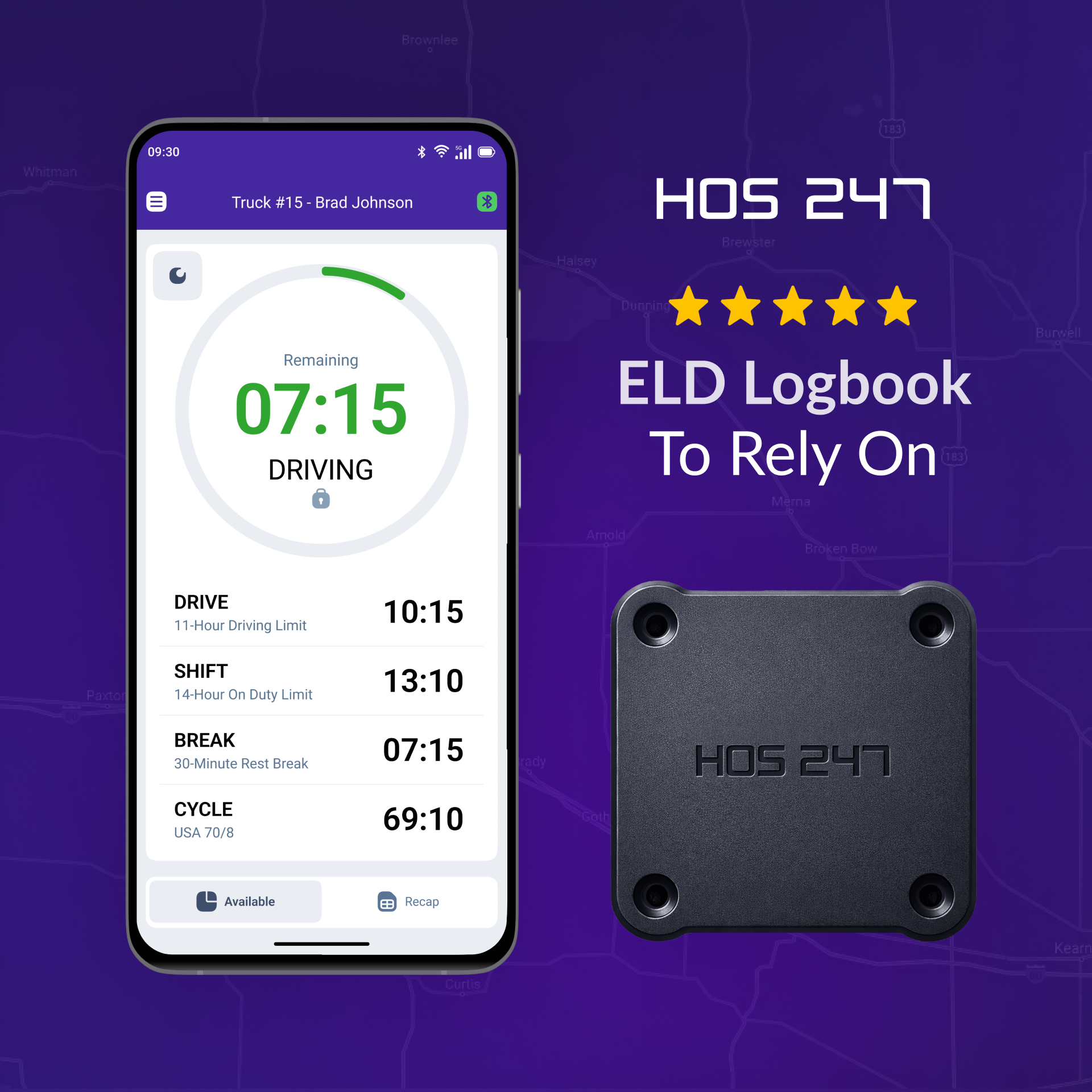
| Vendor | Device Name | Model Number | Approved Version |
|---|---|---|---|
| | #1 ELD by HOS247 | FLT3 | 2.300 and up |
Data Transfer and Reporting Procedures
> Telematic (Web Service, Email)Malfunctions and Testing
#1 ELD by HOS247 supports the generation and transmission of ELD records using telematics data transfer methods, including Wireless Web Services and Email. To transmit records using the Web Services method, the driver must navigate to the “DOT Inspection” menu section, tap “Send Logs,” select “Web Services” as the transfer type, and then tap “Send.” To transmit records using the Email method, the driver must navigate to the “DOT Inspection” menu section, tap “Send Logs,” select “Email” as the transfer type, and then tap “Send.”Certification Statement
In accordance with FMCSA technical requirements, HOS247 ELD detects and records system malfunctions and data diagnostic events. The system uses standardized coding for required compliance malfunctions and data diagnostic events as follows: P - “Power compliance” malfunction, E - “Engine synchronization compliance” malfunction, T - “Timing compliance” malfunction, L - “Positioning compliance” malfunction, R - “Data recording compliance” malfunction, S - “Data transfer compliance” malfunction, O - “Other” ELD detected malfunction, 1 - “Power data diagnostic” event, 2 - “Engine synchronization data diagnostic” event, 3 - “Missing required data elements data diagnostic” event, 4 - “Data transfer data diagnostic” event, 5 - “Unidentified driving records data diagnostic” event, 6 - “Other” ELD identified diagnostic event. All ELD malfunctions identified during the reporting period are documented in the Malfunction and Diagnostic Event Records included in the generated output file. Active malfunctions are indicated to all drivers operating the ELD.
User Manual:  HOS247_User_Manual_FLT3.pdf
#1 ELD by HOS247
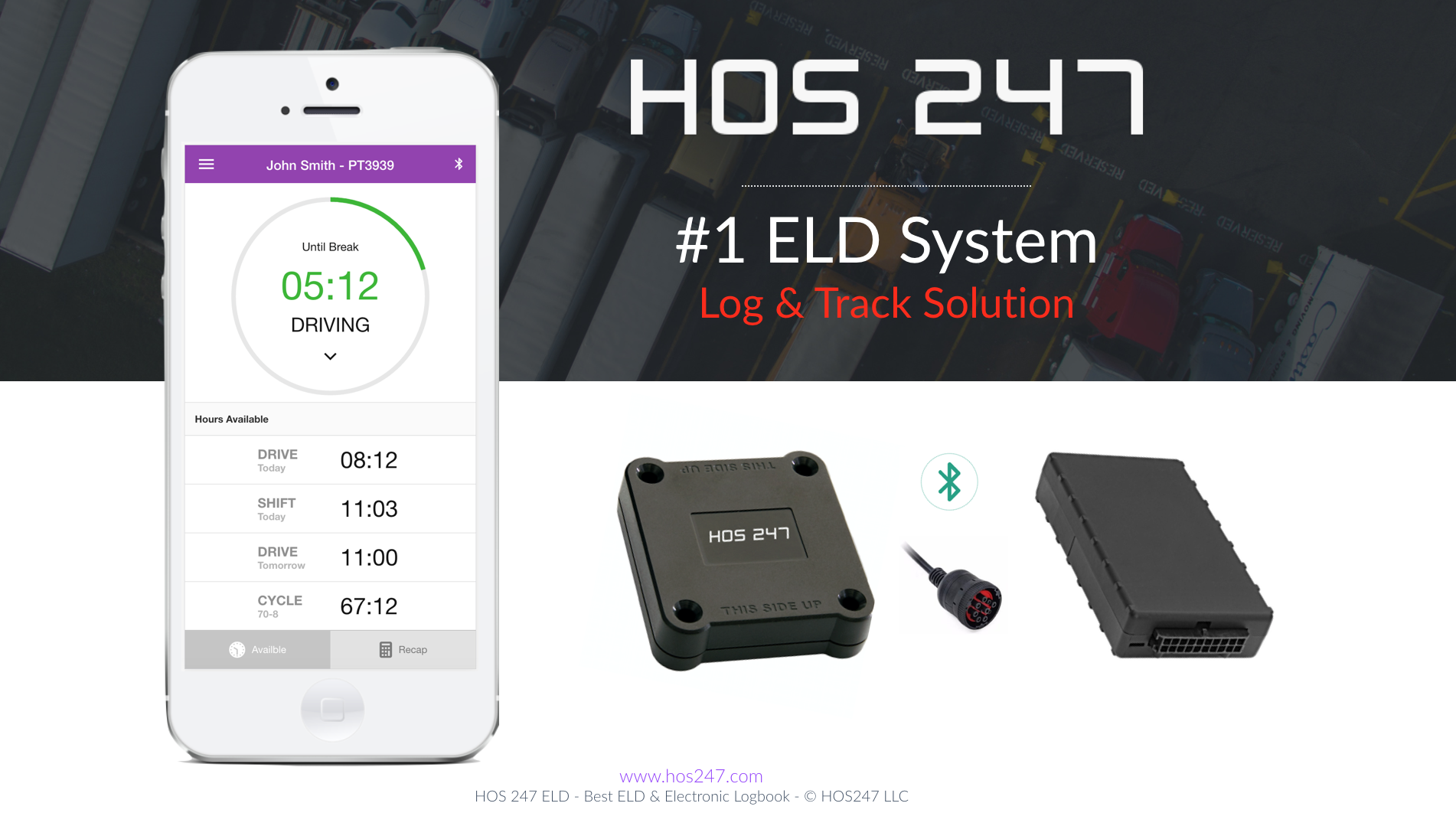
| Vendor | Device Name | Model Number | Approved Version |
|---|---|---|---|
| | #1 ELD by HOS247 | FLT3 | 2.5 and up |
Data Transfer and Reporting Procedures
>Malfunctions and Testing
#1 ELD is capable of producing and transferring the ELD records via telematics transfer methods: Wireless Web services and Email. In order to send the ELD records via Web services, a driver must press “DOT Inspection” menu item and then press “Send Logs” button. In order to send the ELD records via Email a driver must press “DOT Inspection” menu item, press “Email Logs”, enter an email provided by an authorized safety official and press “Send“ button.Certification Statement
#1 ELD monitors its compliance with the technical requirements and detects malfunctions and data inconsistencies and keeps records of its malfunction and data diagnostic event detection. Following standard coding is implemented for required compliance malfunction and data diagnostic event detection: P - “Power compliance” malfunction, E - “Engine synchronization compliance” malfunction, T - “Timing compliance” malfunction, L - “Positioning compliance” malfunction, R - “Data recording compliance” malfunction, S - “Data transfer compliance” malfunction, O - “Other” ELD detected malfunction, 1 - “Power data diagnostic” event, 2 - “Engine synchronization data diagnostic” event, 3 - “Missing required data elements data diagnostic” event, 4 - “Data transfer data diagnostic” event, 5 - “Unidentified driving records data diagnostic” event, 6 - “Other” ELD identified diagnostic event. The #1 ELD Malfunction and Diagnostic Event Records list all ELD malfunctions that have occurred on #1 ELD during the time period for which this file is generated. Active malfunctions are indicated to all drivers who may use that ELD.
User Manual: ELD-HOS247.pdf