
Products with ELD "gfm100"
Below you will find a list of products with the ELD "Gfm100" obtained from our database, including their available manuals, documentation, and images.
Click the corresponding vendor name to obtain additional information on the manufacturer, as well as contact information for further troubleshooting.
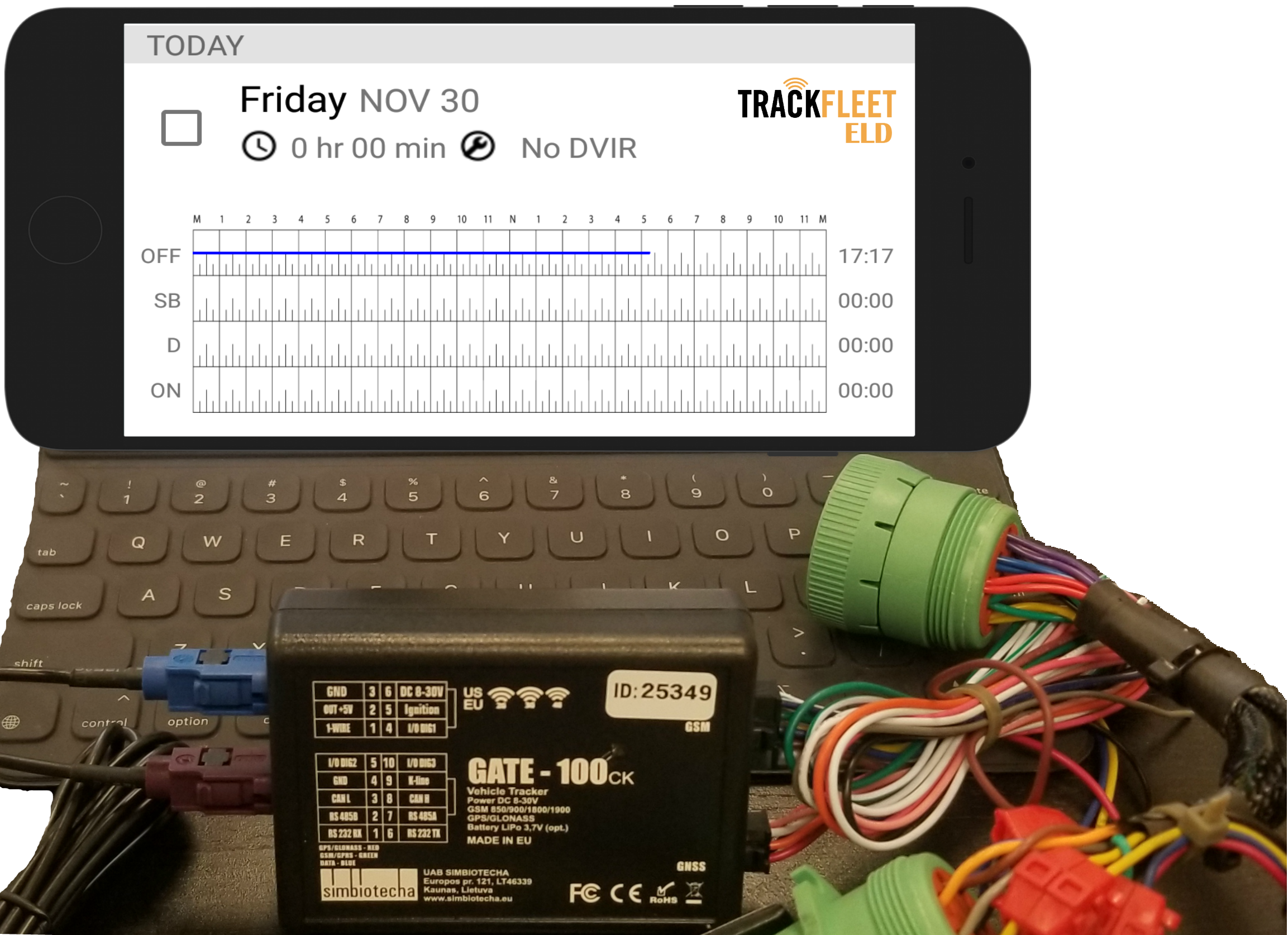
GATE FM100
| Vendor | Device Name | Model Number | Approved Version |
|---|---|---|---|
| | GATE FM100 | 5072-4 | 1.5 |
Data Transfer and Reporting Procedures
>Malfunctions and Testing
We support the telematics transfer methods specified by the FMCSA: (1) wireless web services and (2) email. We also support an in-app visual display for cases where the driver does not have an internet connection. The visual display includes a record of the current 24-hour period and the previous 7 consecutive days of the driver’s logs, as required in section 4.10 of the mandate. For a driver to transfer their log information to a DOT officer, they will tap the “DOT inspection mode” option from the mobile app’s left menu, and tap “Begin Inspection” for a visual inspection or “Send Logs” in order to transfer log information via email or web services.Certification Statement
Power compliance malfunction - is indicated in App user's interface and on Hardware modules LED indicator. Engine synchronization compliance malfunction - is indicated in App user's interface and on Hardware modules LED indicator. Time compliance malfunction- is indicated in App user's interface and on Hardware modules LED indicator. Positioning compliance malfunctiom - is indicated in App user's interface and on Hardware modules LED indicator. Data recording compliance malfunction - is indicated in App user's interface and on Hardware modules LED indicator. Data transfer compliance malfunction - is indicated in App user's interface.
User Manual:  TrackFleetELD_manual_v2.1.pdf