
Products with ELD "XPLORE"
- Xplore-ELD Version 1.0.0 and higher
- Xplore-ELD Version 2.9.0 and higher
- Xplore-ELD Version 3.25.0 and higher
Below you will find a list of products with the ELD "XPLORE" obtained from our database, including their available manuals, documentation, and images.
Click the corresponding vendor name to obtain additional information on the manufacturer, as well as contact information for further troubleshooting.
Xplore ELD
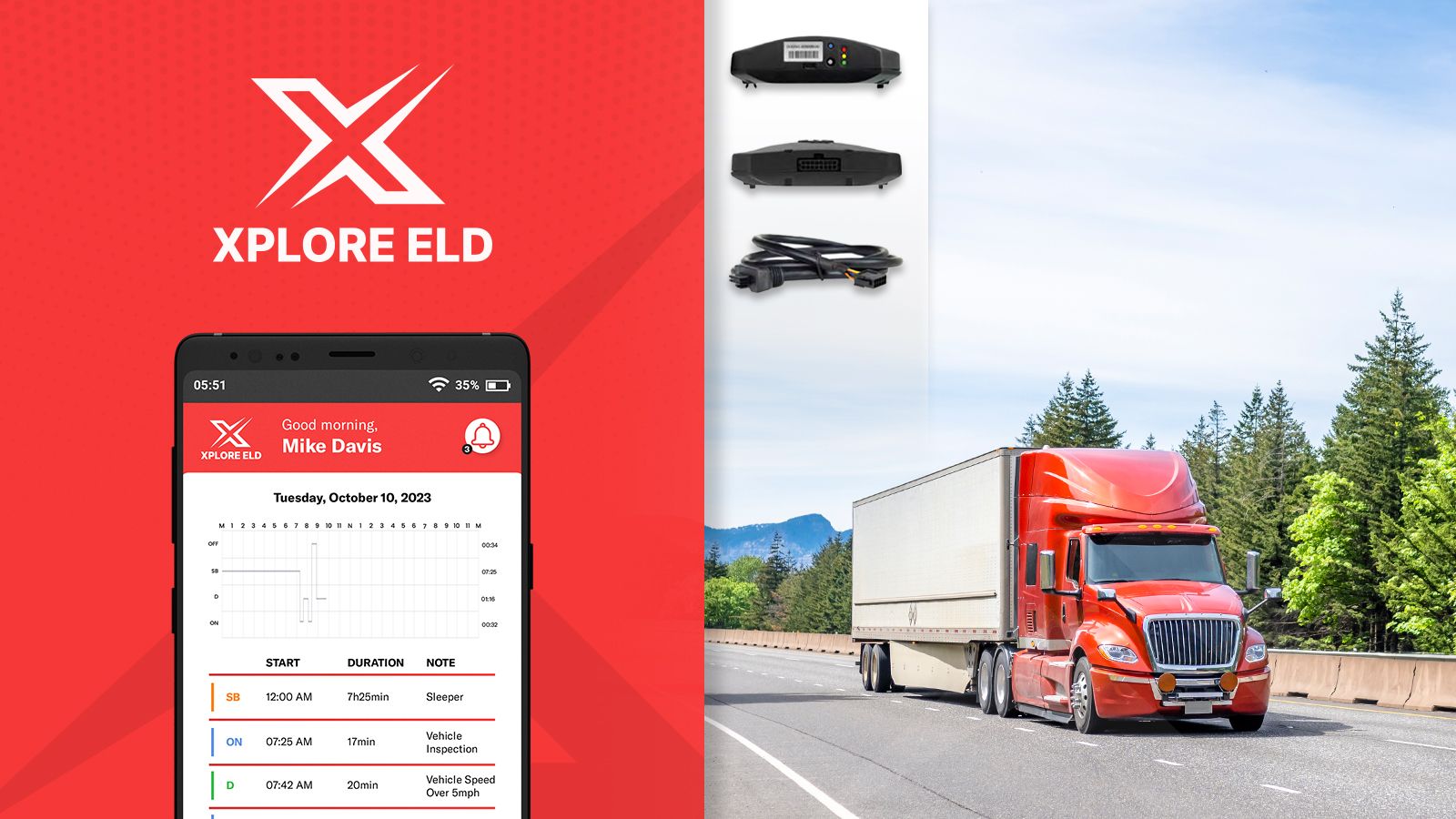
| Vendor | Device Name | Model Number | Approved Version |
|---|---|---|---|
| | Xplore ELD | XPLELD | 1.0.0 and higher |
Data Transfer and Reporting Procedures
> Telematic (Web Service, Email)Malfunctions and Testing
To transmit the information, the operator should perform the following steps: 1. Launch the DOT Inspect section within the application and activate the "Initiate Data Transfer" function on the display. 2. Choose the data transfer method, either "Web Services" or opt for the "Email" method. 3. Input any optional comments, which may serve as identifying details for the inspector. 4. Execute the 'Send' command.Certification Statement
The ELD evaluation system is engineered to independently oversee its functionality, encompassing a wide range of issues such as power irregularities, engine synchronization, timing disparities, positioning inaccuracies, data recording anomalies, data transmission obstacles, vital data components, and instances of unaccounted driving, as stipulated by regulatory requirements.
User Manual:  XploreELD.pdf
Xplore ELD
| Vendor | Device Name | Model Number | Approved Version |
|---|---|---|---|
| | Xplore ELD | XPLELD | 2.9.0 and higher |
Data Transfer and Reporting Procedures
> Telematic (Web Service, Email)Malfunctions and Testing
To transmit the information, the operator should perform the following steps: 1. Launch the DOT Inspect section within the application and activate the "Initiate Data Transfer" function on the display. 2. Choose the data transfer method, either "Web Services" or opt for the "Email" method. 3. Input any optional comments, which may serve as identifying details for the inspector. 4. Execute the 'Send' command.Certification Statement
The ELD evaluation system is engineered to independently oversee its functionality, encompassing a wide range of issues such as power irregularities, engine synchronization, timing disparities, positioning inaccuracies, data recording anomalies, data transmission obstacles, vital data components, and instances of unaccounted driving, as stipulated by regulatory requirements.
User Manual: XploreELD.pdf
Xplore ELD
| Vendor | Device Name | Model Number | Approved Version |
|---|---|---|---|
| | Xplore ELD | XPLELD | 3.25.0 and higher |
Data Transfer and Reporting Procedures
> Telematic (Web Service, Email)Malfunctions and Testing
To transmit the information, the operator should perform the following steps: 1. Launch the DOT Inspect section within the application and activate the "Initiate Data Transfer" function on the display. 2. Choose the data transfer method, either "Web Services" or opt for the "Email" method. 3. Input any optional comments, which may serve as identifying details for the inspector. 4. Execute the 'Send' command.Certification Statement
The ELD evaluation system is engineered to independently oversee its functionality, encompassing a wide range of issues such as power irregularities, engine synchronization, timing disparities, positioning inaccuracies, data recording anomalies, data transmission obstacles, vital data components, and instances of unaccounted driving, as stipulated by regulatory requirements.
User Manual: XploreELD.pdf