
Products with ELD "SYN001"
Below you will find a list of products with the ELD "SYN001" obtained from our database, including their available manuals, documentation, and images.
Click the corresponding vendor name to obtain additional information on the manufacturer, as well as contact information for further troubleshooting.
Synovia Solutions ELD
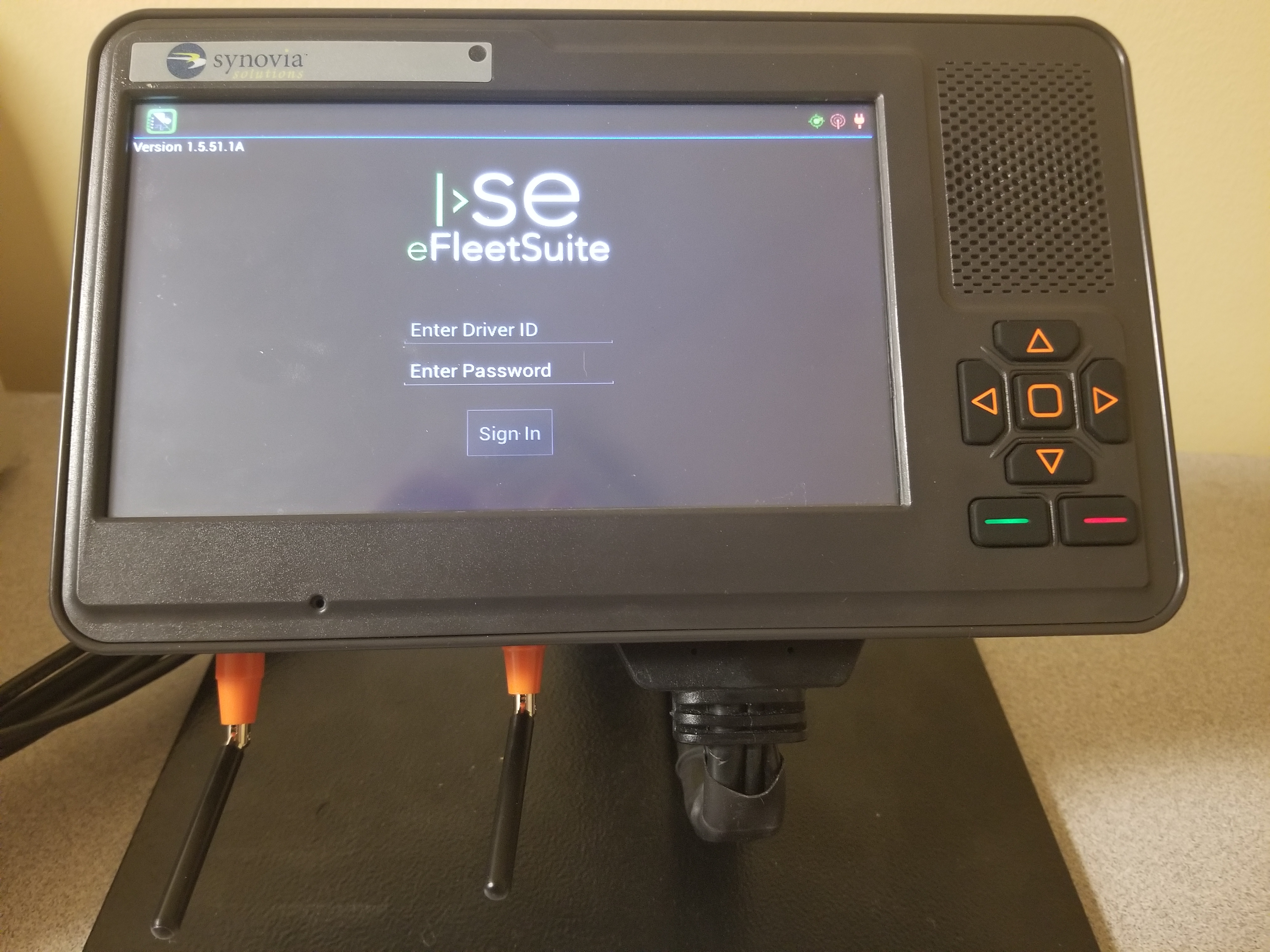
| Vendor | Device Name | Model Number | Approved Version |
|---|---|---|---|
| | Synovia Solutions ELD | SMA317 | 1.5.51.1A or higher |
Data Transfer and Reporting Procedures
>Malfunctions and Testing
Synovia Solutions ELD as provided by ISE Fleet Services will use Wireless Web Services and Email for our method of data transfer. Steps to produce and transfer the ELD Records: 1. The driver will select the Options feature in our application 2. The driver will select the "Roadside Inspection" Option from the menu that appears 3. The driver will select "Data File Transfer" on the following screen 4. The driver will select the method of data transfer ("Email" or "Web Service"), add any additional file comment, and select "Done" to send logs to enforcement that will initiate the procedure.Certification Statement
---Description Of Malfunction Notification--- Data diagnostics appear on your device when a driver is signed in to the application. If your device enters a data diagnostic state, you will see a red triangle icon in the action bar at the top of the screen. Navigate to your log events to determine the exact type of diagnostic event that has occurred. An ELD compliance malfunction appears on your device as a pop-up notification icon that sits on top of all applications. The icon will include the malfunction description. You must document the occurrence of a compliance malfunction and notify your carrier within 24 hours. A compliance malfunction cannot be dismissed; it must be corrected before you continue using the device as an ELD. If you are not able to immediately resolve the malfunction, you must begin keeping paper logs until the device is once again compliant. If your logs can no longer be accessed on the device, you must reconstruct your logs on paper for the current 24-hour period and the previous 7 consecutive days. ---Diagnostic Events--- Data Diagnostic Event: Power Code:1 Description: Device was not powered on within 1 min of the engine receiving power, or lost power at any point while the engine was powered on. Data Diagnostic Event: Engine synchronization Code: 2 Description: Device was not able to receive data from the ECM (or other data source) within 5 seconds of requesting the data. Data Diagnostic Event: Missing required data elements Code: 3 Description: Device is missing required information for reporting on driver logs. Data Diagnostic Event: Data transfer Code: 4 Description: Device is unable to confirm the proper operation of the certified primary roadside transfer mechanism. Data Diagnostic Event: Unidentified driving records Code: 5 Description: More than 30 min of driving in a 24-hour period is recorded under the unidentified driver profile. ---Compliance Malfunctions--- Compliance Malfunction: Power Code: P Description: Device lost power during driving events for a total of 30 min or more over a 24-hour period. Compliance Malfunction: Engine synchronization Code: E Description: Device lost connection to the ECM (or other data source) for a total of more than 30 min during a 24-hour period. Compliance Malfunction: Timing Code: T Description: Device is not able to synchronize to UTC. Compliance Malfunction: Positioning Code: L Description: Device is not able to acquire a valid position measurement within 5 mi of vehicle movement for a total of more than 60 min over a 24-hour period. Compliance Malfunction: Data recording Code: R Description: Device is no longer able to record or retain required event data or retrieve locally stored recorded logs. Compliance Malfunction: Data transfer Code: S Description: Device continues to fail checks of the roadside transfer mechanism for three days following a Data Transfer Diagnostic Event. Compliance Malfunction: Other ELD detected Code: O Description: The eFleetSuite application has stopped working or is not responding as expected.
User Manual:  eFleetSuite User Manual.pdf