
Products with ELD "QNTUME"
Below you will find a list of products with the ELD "QNTUME" obtained from our database, including their available manuals, documentation, and images.
Click the corresponding vendor name to obtain additional information on the manufacturer, as well as contact information for further troubleshooting.
Quantum ELD
| Vendor | Device Name | Model Number | Approved Version |
|---|---|---|---|
| | Quantum ELD | QUANTM | 1.0.0 or higher |
Data Transfer and Reporting Procedures
> Telematic (Web Service, Email)Malfunctions and Testing
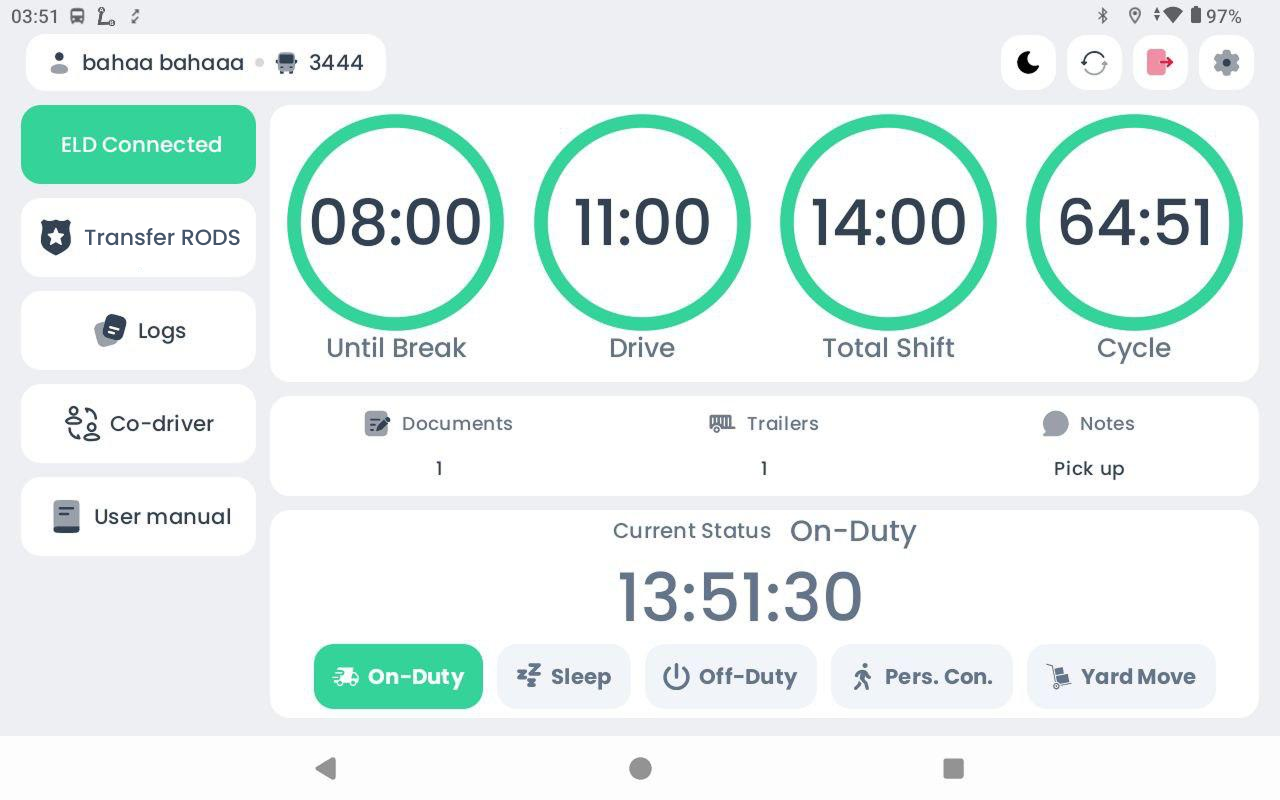
After selecting Transfer RODS, the user is directed to the Transfer RODS page. On this page, the user can view the Record of Duty Status for the current 24-hour period as well as the previous 7 consecutive days. The driver or inspector may select any day within this range to review the corresponding daily logs. At the top of the screen, the user may enter a comment. Choose the transfer method (Web or Email), and press Send button.Certification Statement
P - Power Compliance (The Vehicle Gateway was unable to read the engine’s power status) E - Engine synchronization (The Vehicle Gateway was unable to read engine data such as the odometer or engine hours) T - Timing Compliance (The ELD's internal clock in the vehicle has not yet synchronized with the server that resulted in a time deviation of 10+ minutes) L - Positioning Compliance (The ELD has accumulated more than 60 minutes without a GPS lock within a 24- hour period) R - Data Recording (The ELD does not have sufficient storage capacity to record ELD events) S - Data Transfer Compliance (The ELD has failed to transfer the driver's logs to the DOT as requested during a roadside inspection) O - Other detected malfunction
User Manual:  QUANTUM ELD User Manual.pdf