
Products with ELD "PLS100"
Below you will find a list of products with the ELD "PLS100" obtained from our database, including their available manuals, documentation, and images.
Click the corresponding vendor name to obtain additional information on the manufacturer, as well as contact information for further troubleshooting.
Logbooks - Self Revoked as of 1674057983
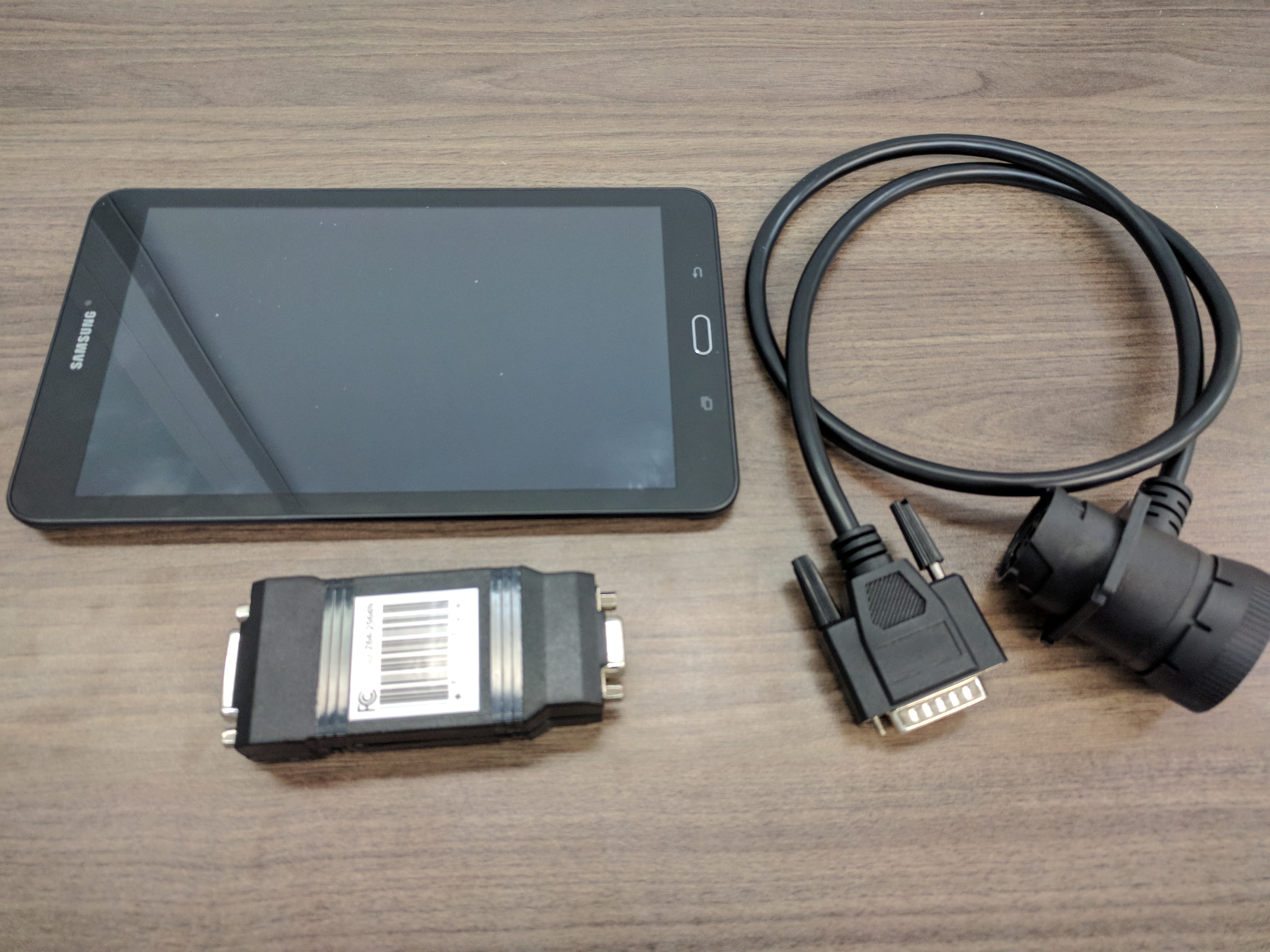
| Vendor | Device Name | Model Number | Approved Version |
|---|---|---|---|
| | Logbooks | ELD100 | 1.0.0 |
Data Transfer and Reporting Procedures
>Malfunctions and Testing
Method 1: Bluetooth File Transfer 1. Click on the Share button (top-right) on the home screen. 2. Select the Bluetooth option, then press the Send button. 3. Choose from the available Bluetooth devices which are nearby. Selecting the device in the list immediately starts the file transfer to the recipient. Method 2: Email File Transfer 1. Click on the Share button (top-right) on the home screen. 2. Select the Email option, then press the Send button. 3. Type in the recipient's email address, then press the Send button to finalize the transfer. Method 3: USB File Transfer 1. The Safety Officer / Roadside Inspector will provide a USB flash drive ("USB key") to the driver. 2. Plug in the USB flash drive to the ELD (tablet) first. 3. Click on the Share button (top-right) on the home screen. 4. Select the USB Drive file transfer option and then press the Send button.Certification Statement
The ELD is capable of self-monitoring the following required functions: Power, Engine synchronization, Timing, Positioning, Data Recording and Data Transfer (all functions listed in chapter 4.6 in the testing guide). The ELD also has Visual Malfunction and Data Diagnostic Indicators as outlined in chapters 4.6.2.1 and 4.6.3.1. Data Transfer Malfunctions are checked three (3) times in a 24 hour period.
User Manual:  PLS ELD Manual.pdf