
Products with ELD "HRS229"
Below you will find a list of products with the ELD "HRS229" obtained from our database, including their available manuals, documentation, and images.
Click the corresponding vendor name to obtain additional information on the manufacturer, as well as contact information for further troubleshooting.
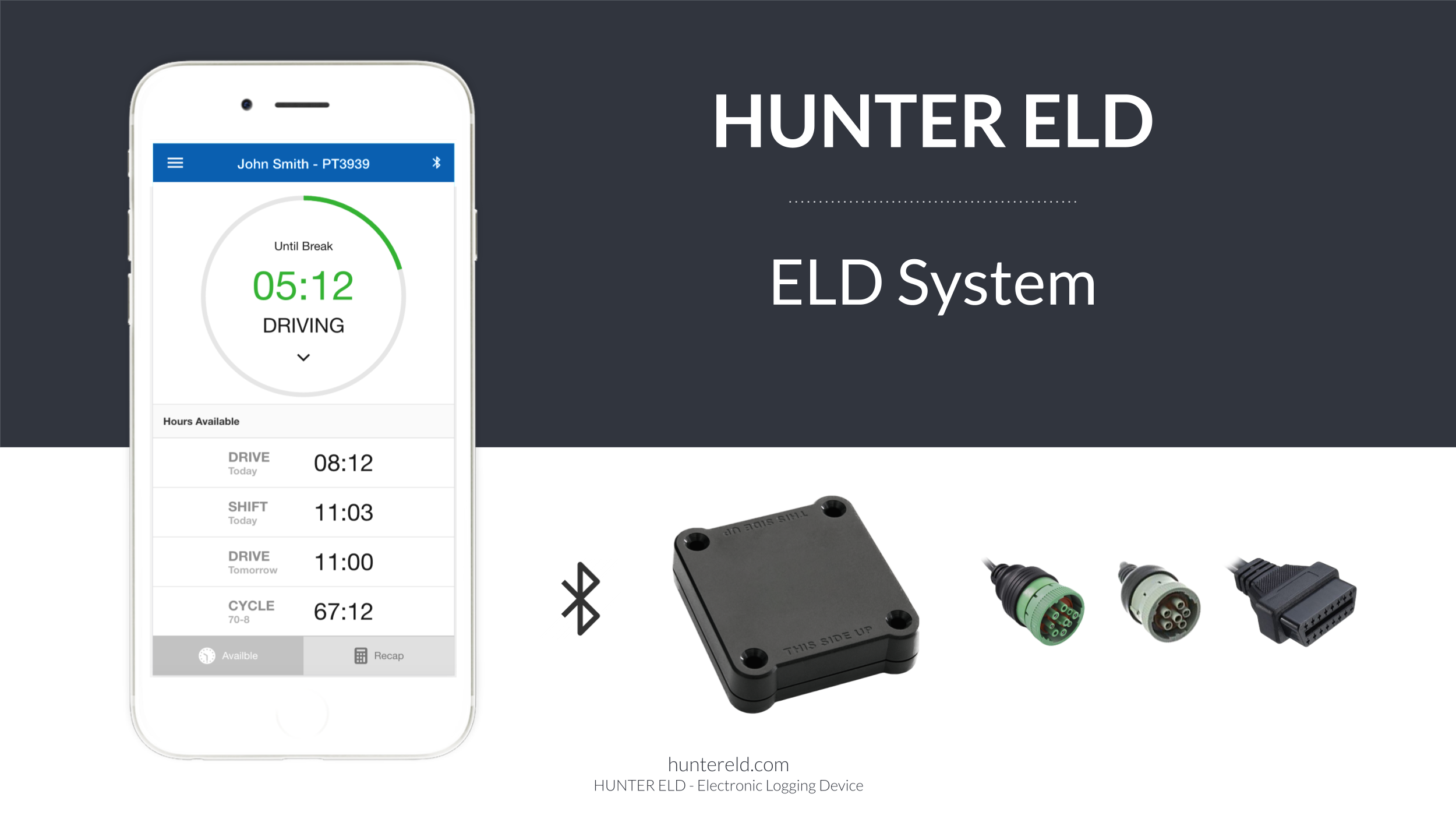
HUNTER ELD
| Vendor | Device Name | Model Number | Approved Version |
|---|---|---|---|
| | HUNTER ELD | HRS | 2.0 or higher |
Data Transfer and Reporting Procedures
> Telematic (Web Service, Email)Malfunctions and Testing
HUNTER ELD is capable of producing and transferring the ELD records via telematics transfer methods: Wireless Web services and Email. In order to send the ELD records via Web services, a driver must press “DOT Inspection” menu item, then press “Send Logs” button, select Web Service as the Data Transfer Type and press “SEND” button. In order to send the ELD records via Email, a driver must press “DOT Inspection” menu item, then press “Send Logs” button, select Email as the Data Transfer Type and press “SEND” button.Certification Statement
HUNTER ELD monitors its compliance with the technical requirements and detects malfunctions and data inconsistencies and keeps records of its malfunction and data diagnostic event detection. Following standard coding is implemented for required compliance malfunction and data diagnostic event detection: P - “Power compliance” malfunction, E - “Engine synchronization compliance” malfunction, T - “Timing compliance” malfunction, L - “Positioning compliance” malfunction, R - “Data recording compliance” malfunction, S - “Data transfer compliance” malfunction, O - “Other” ELD detected malfunction, 1 - “Power data diagnostic” event, 2 - “Engine synchronization data diagnostic” event, 3 - “Missing required data elements data diagnostic” event, 4 - “Data transfer data diagnostic” event, 5 - “Unidentified driving records data diagnostic” event, 6 - “Other” ELD identified diagnostic event. The HUNTER ELD Malfunction and Diagnostic Event Records list all ELD malfunctions that have occurred on HUNTER ELD during the time period for which this file is generated. Active malfunctions are indicated to all drivers who may use that ELD.
User Manual:  HUNTER-ELD-MANUAL.pdf
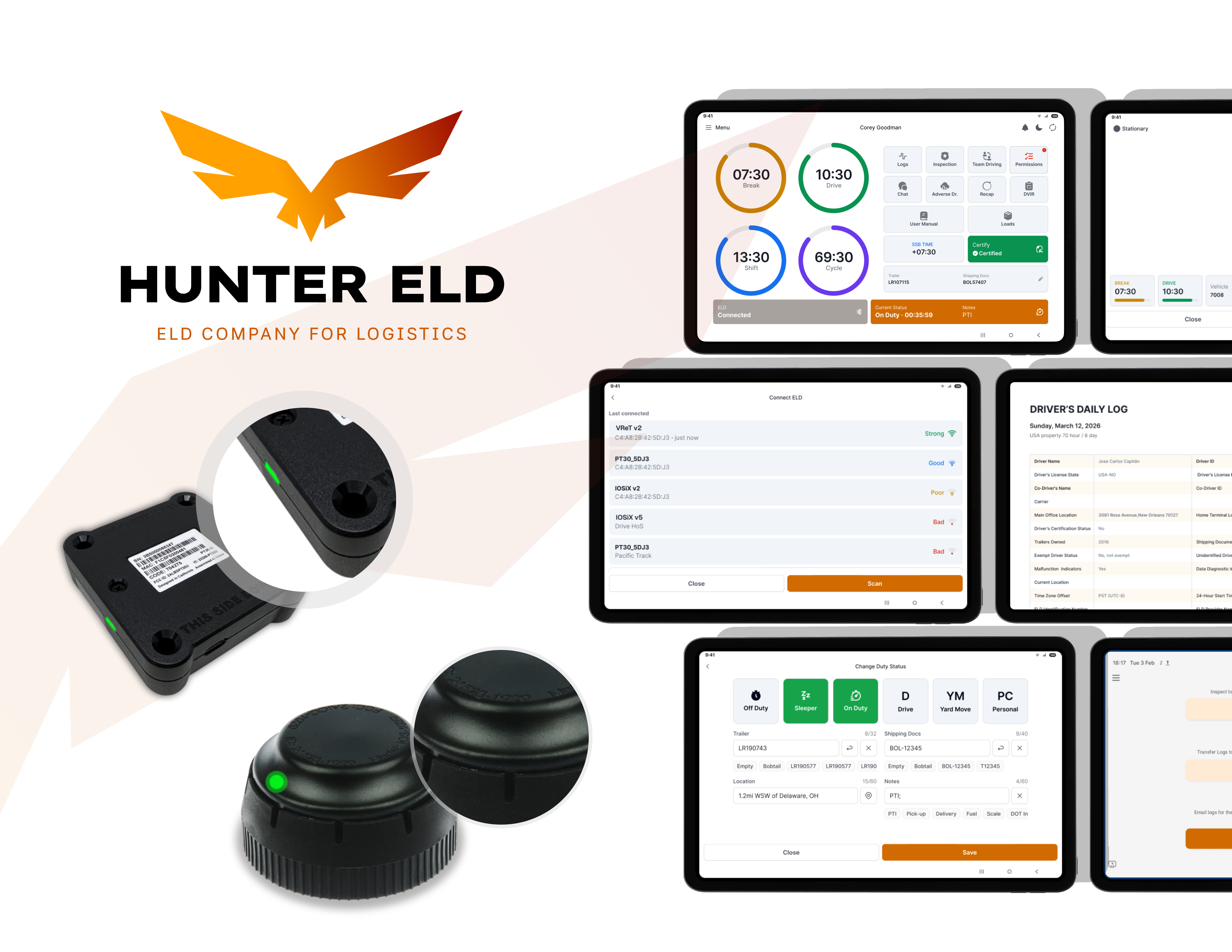
Hunter ELD
| Vendor | Device Name | Model Number | Approved Version |
|---|---|---|---|
| | Hunter ELD | HT34M1 | 4.0.7 or higher |
Data Transfer and Reporting Procedures
> Telematic (Web Service, Email)Malfunctions and Testing
Hunter ELD produces and transfers ELD records to authorized safety officials using both telematics methods: wireless web services and email. To transfer records via web services, the driver goes to the DOT Inspection page, presses the Transfer Logs button, chooses Web Service as the data transfer type, and presses Confirm. To transfer records via email, the driver follows the same steps and instead chooses Email as the data transfer type before pressing Confirm.Certification Statement
Hunter ELD continuously monitors its compliance with the technical requirements, detects malfunctions and data inconsistencies, and maintains records of every malfunction and data diagnostic event it detects. The standard coding scheme required for compliance malfunction and data diagnostic event detection is implemented as follows: P for "Power compliance" malfunction, E for "Engine synchronization compliance" malfunction, T for "Timing compliance" malfunction, L for "Positioning compliance" malfunction, R for "Data recording compliance" malfunction, S for "Data transfer compliance" malfunction, O for "Other" ELD-detected malfunctions, 1 for "Power data diagnostic" event, 2 for "Engine synchronization data diagnostic" event, 3 for "Missing required data elements data diagnostic" event, 4 for "Data transfer data diagnostic" event, 5 for "Unidentified driving records data diagnostic" event, 6 for "Other" ELD-identified diagnostic events. The Hunter ELD Malfunction and Diagnostic Event Records list every malfunction that occurred on the device during the time period covered by the generated file, and any active malfunction is indicated to all drivers who may use that ELD.
User Manual: Hunter User Manual.pdf