
Products with ELD "GRS120"
Below you will find a list of products with the ELD "GRS120" obtained from our database, including their available manuals, documentation, and images.
Click the corresponding vendor name to obtain additional information on the manufacturer, as well as contact information for further troubleshooting.
GURFATEH ELD
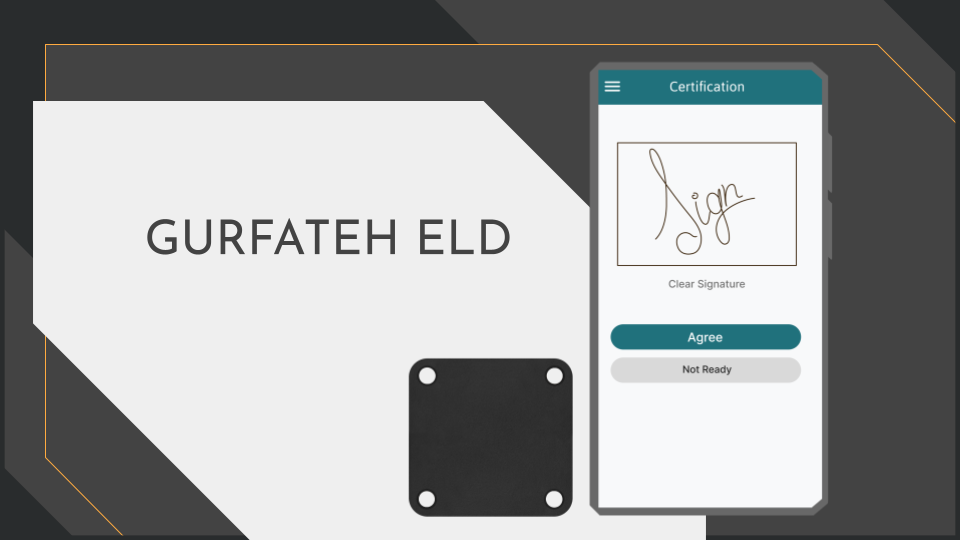
| Vendor | Device Name | Model Number | Approved Version |
|---|---|---|---|
| | GURFATEH ELD | GFTH | 2.7.3 or higher |
Data Transfer and Reporting Procedures
> Telematic (Web Service, Email)Malfunctions and Testing
The GURFATEH ELD system allows for telematics data transfer, which can be accomplished via email or web services. To transfer logs, the driver can navigate to the DOT Inspection Mode menu section and select the "Send" button. Furthermore, a dedicated DOT Inspection Mode button enables the driver to display the logs report on their mobile device for a DOT officer.Certification Statement
By ensuring technical requirements are met, identifying malfunctions and data inconsistencies, and maintaining records of such events, the GURFATEH ELD system establishes compliance. Compliance malfunctions and diagnostic events are designated with specific codes such as: P for "Power compliance" malfunction, E for "Engine synchronization compliance" malfunction, T for "Timing compliance" malfunction, L for "Positioning compliance" malfunction, R for "Data recording compliance" malfunction, S for "Data transfer compliance" malfunction, O for "Other" ELD-detected malfunctions, 1 for "Power data diagnostic" event, 2 for "Engine synchronization data diagnostic" event, 3 for "Missing required data elements data diagnostic" event, 4 for "Data transfer data diagnostic" event, 5 for "Unidentified driving records data diagnostic" event, 6 for "Other" ELD-identified diagnostic events. The GURFATEH ELD Malfunction and Diagnostic Event Records keep a record of all malfunctions that occurred during the relevant time frame, and all drivers who use the ELD are notified of any active malfunctions.
User Manual:  User Manual - GURFATEH ELD.pdf
GURFATEH ELD
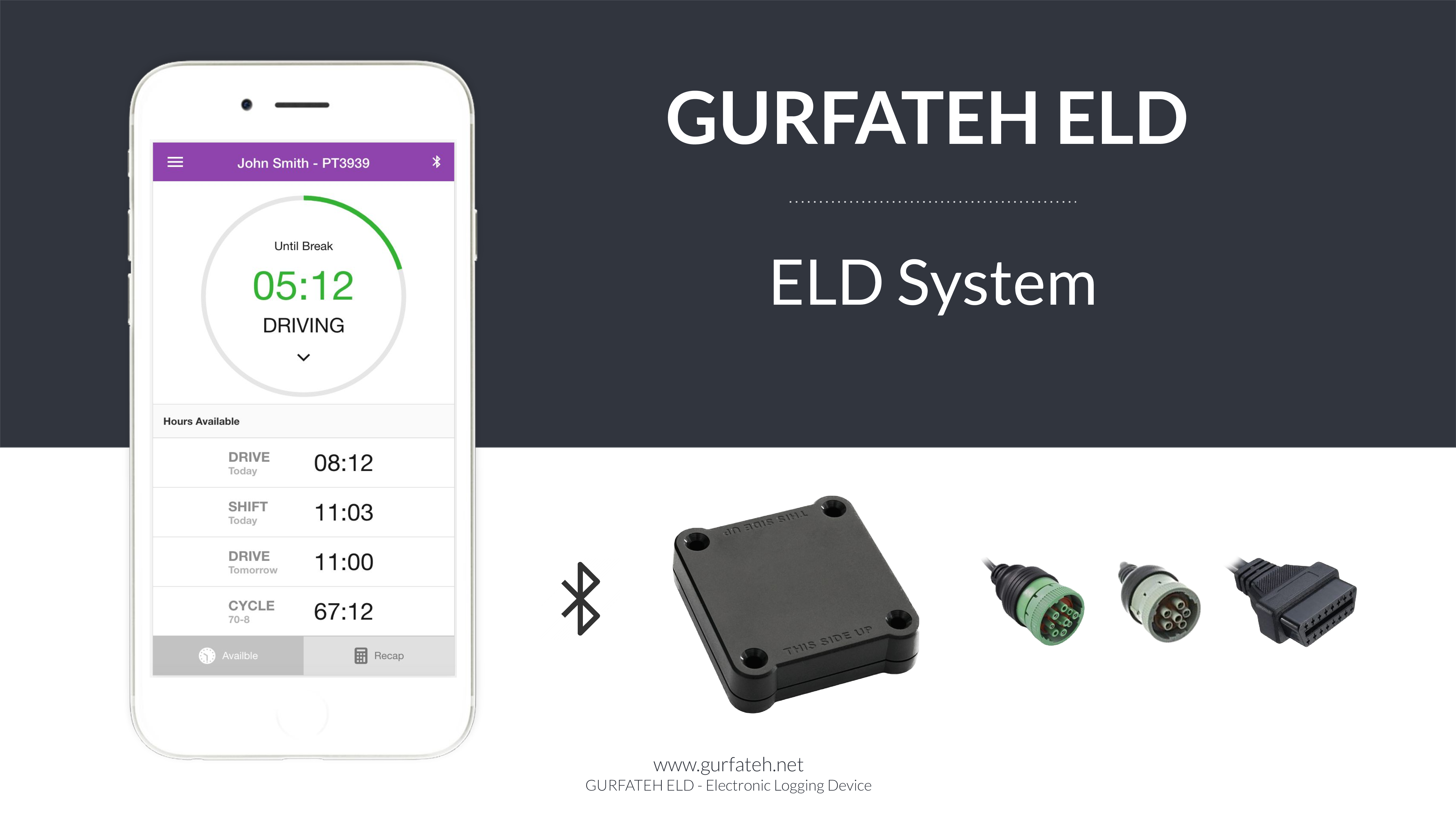
| Vendor | Device Name | Model Number | Approved Version |
|---|---|---|---|
| | GURFATEH ELD | GRS | 2.0 or higher |
Data Transfer and Reporting Procedures
>Malfunctions and Testing
GURFATEH ELD is capable of producing and transferring the ELD records via telematics transfer methods: Wireless Web services and Email. In order to send the ELD records via Web services, a driver must press “DOT Inspection” menu item, then press “Send Logs” button, select Web Service as the Data Transfer Type and press “SEND” button. In order to send the ELD recordsCertification Statement
GURFATEH ELD monitors its compliance with the technical requirements and detects malfunctions and data inconsistencies and keeps records of its malfunction and data diagnostic event detection. Following standard coding is implemented for required compliance malfunction and data diagnostic event detection: P - “Power compliance” malfunction, E - “Engine synchronization compliance” malfunction, T - “Timing compliance” malfunction, L - “Positioning compliance” malfunction, R - “Data recording compliance” malfunction, S - “Data transfer compliance” malfunction, O - “Other” ELD detected malfunction, 1 - “Power data diagnostic” event, 2 - “Engine synchronization data diagnostic” event, 3 - “Missing required data elements data diagnostic” event, 4 - “Data transfer data diagnostic” event, 5 - “Unidentified driving records data diagnostic” event, 6 - “Other” ELD identified diagnostic event. The GURFATEH ELD Malfunction and Diagnostic Event Records list all ELD malfunctions that have occurred on GURFATEH ELD during the time period for which this file is generated. Active malfunctions are indicated to all drivers who may use that ELD.
User Manual: GURFATEH-ELD-MANUAL.pdf