
Products with ELD "GEX392"
Below you will find a list of products with the ELD "GEX392" obtained from our database, including their available manuals, documentation, and images.
Click the corresponding vendor name to obtain additional information on the manufacturer, as well as contact information for further troubleshooting.
GEOX ELD
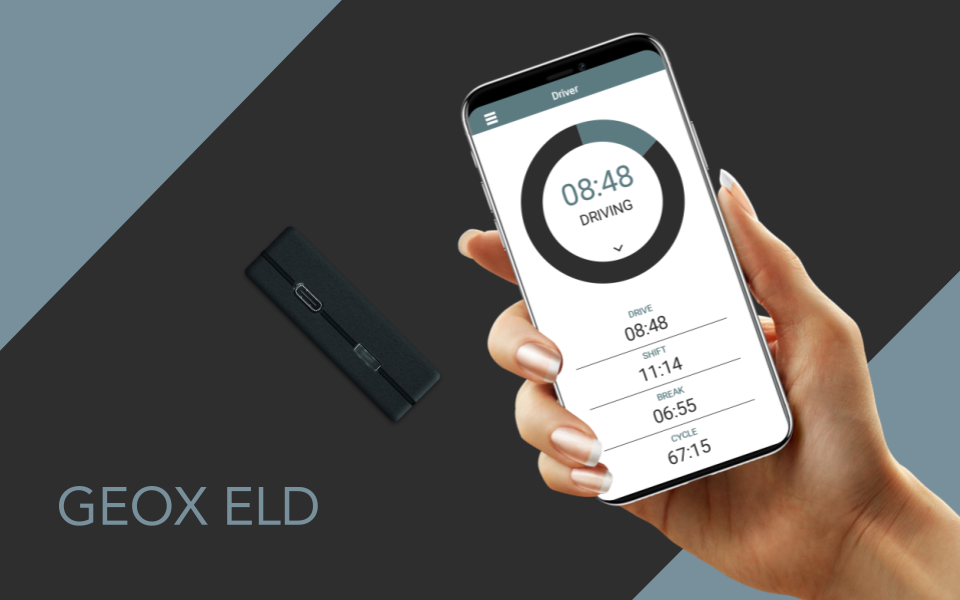
| Vendor | Device Name | Model Number | Approved Version |
|---|---|---|---|
| | GEOX ELD | GEX | 2.21.52 or above |
Data Transfer and Reporting Procedures
> Telematic (Web Service, Email)Malfunctions and Testing
GEOX ELD system allows for wireless web services and email as ways to transfer telematics data. If a driver doesn't have internet, they can view logs on the mobile app. As per section 4.10 of the ELD mandate, the DOT Inspection Mode shows RODS for the current 24 hours and the driver's logs for the past 7 days. In order to send ELD records via web services, the driver must navigate to the "DOT Inspection" menu and choose the "Send Logs" option. Next, they should select "Web Service" as the Data Transfer Type and click on the "SEND" button. Likewise, to transfer ELD records through email, the driver should follow the same procedure, but select "Email" as the Data Transfer Type prior to clicking the "SEND" button.Certification Statement
As per Appendix A, section 4.6, GEOX ELD electronic logging device is programmed to self-monitor and detect malfunctions. An example of this would be the ELD system displaying visual alerts to the driver for issues with engine synchronization, timing, positioning, or unidentified driving.
User Manual:  User Manual GEOX ELD (1).pdf