
Products with ELD "FM6000"
Below you will find a list of products with the ELD "FM6000" obtained from our database, including their available manuals, documentation, and images.
Click the corresponding vendor name to obtain additional information on the manufacturer, as well as contact information for further troubleshooting.
FLUID HOS
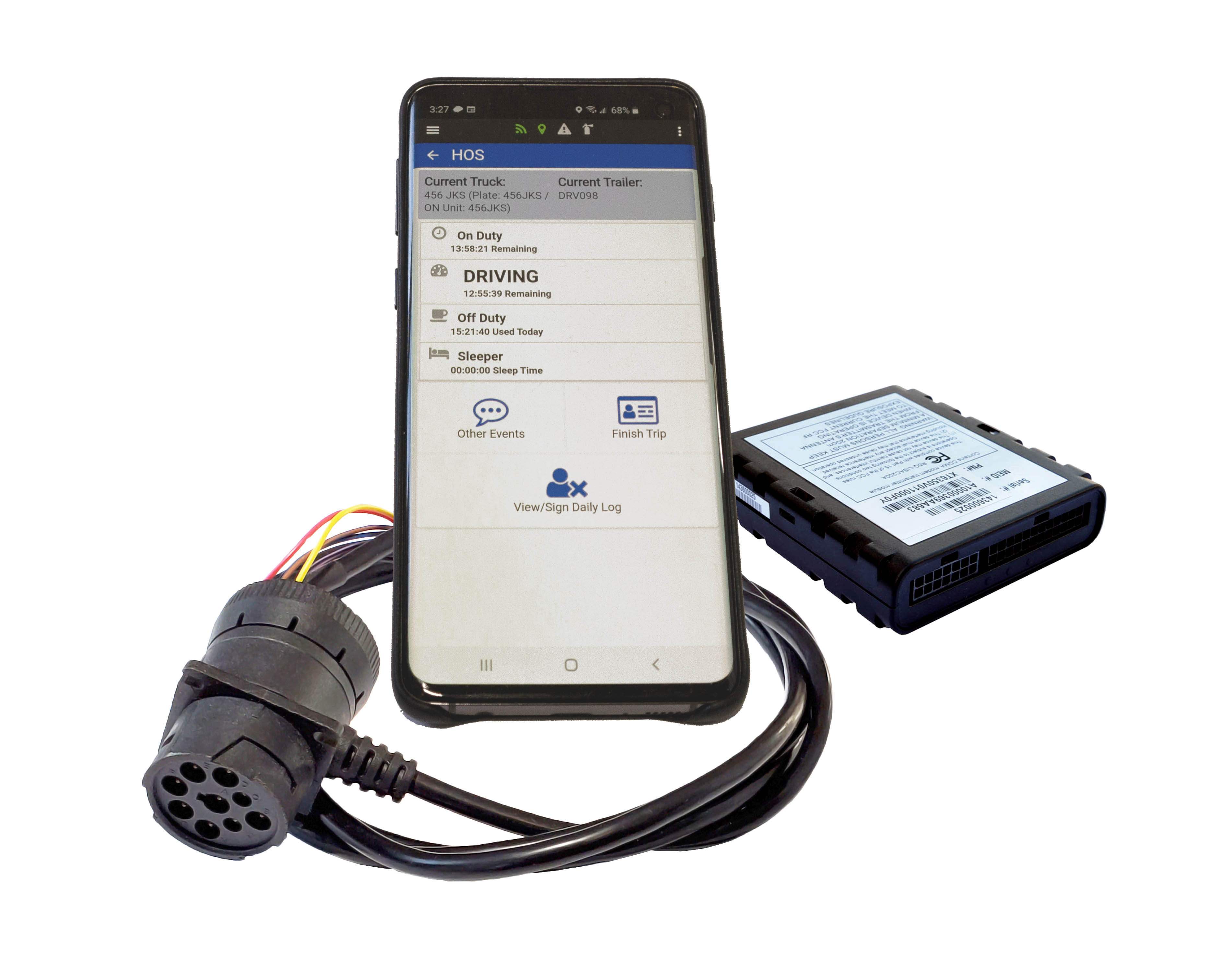
| Vendor | Device Name | Model Number | Approved Version |
|---|---|---|---|
| | FLUID HOS | FM6000ELD.1 | 1.1.79 |
Data Transfer and Reporting Procedures
>Malfunctions and Testing
Supported data transfer mechanisms are via Web Service and via Email. To transfer data, select the 3-dot menu at the top right of the main HOS dashboard and select "Daily Logs". From the "Select Daily Log" screen, again select the 3-dot menu and choose "Send Logs (US/DOT)". Enter the code supplied by the officer and select either "Send via Web Service" or "Send via Email".Certification Statement
Fluid HOS is equipped to monitor compliance for a variety of detectable malfunctions, and will record the malfunction event as it is detected. These ELD malfunctions are recorded events consistent with FMCSA compliance requirements. Malfunction events can be viewed in the android application Alert header and are additionally logged to the event history for the device on the Fluid Portal web application. From the Alert header, a log of malfunction events will be displayed, along with the option to clear Alerts. Possible Malfunctions are: Power Malfunction, Engine Synchronization Malfunction, Timing Malfunction, Position Malfunction, Data Recording Malfunction and Data Transfer Malfunction. Clearing the Alerts will not remove the malfunction events from the event log on the web application.
User Manual:  HOS-Manual-.pdf