
Products with ELD "FL0002"
Below you will find a list of products with the ELD "FL0002" obtained from our database, including their available manuals, documentation, and images.
Click the corresponding vendor name to obtain additional information on the manufacturer, as well as contact information for further troubleshooting.
FleetLocate Compliance powered by Gorilla Safety
| Vendor | Device Name | Model Number | Approved Version |
|---|---|---|---|
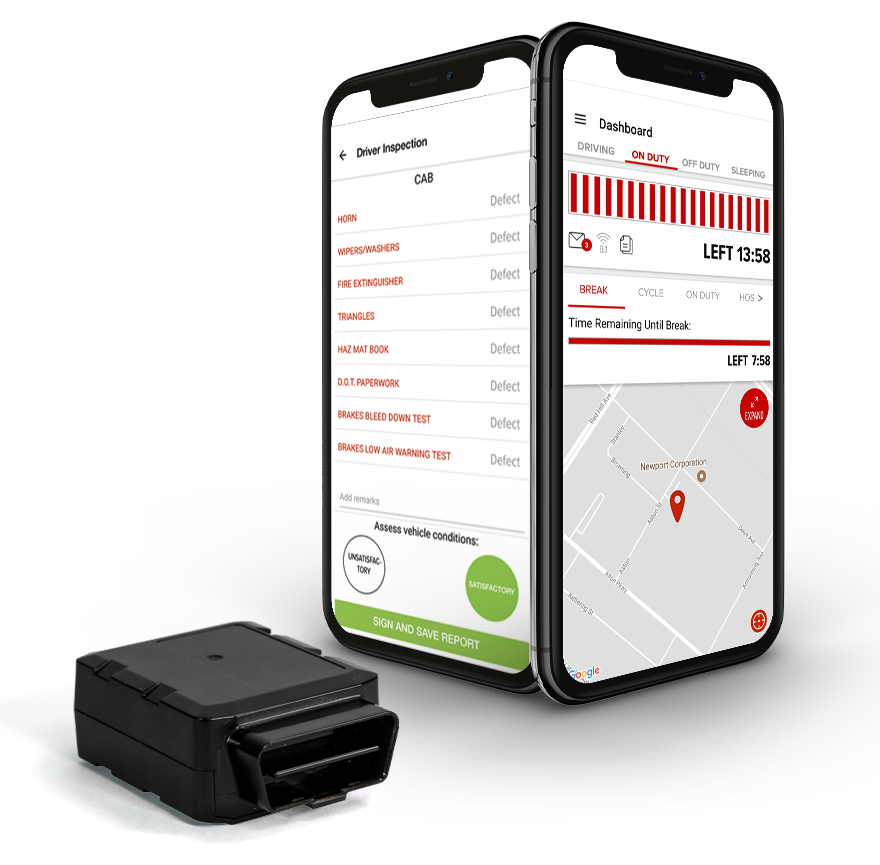
| | FleetLocate Compliance powered by Gorilla Safety | FleetLocate FL360 | FleetLocate Shift |
Data Transfer and Reporting Procedures
> Telematic (Web Service, Email)Malfunctions and Testing
This ELD uses the wireless web services and email transmission method to allow a driver to produce and transfer ELD records to an "authorized safety official". When requested, a driver uses the FleetLocate Shift mobile app to go through the following steps: 1. Navigate to the "Inspections" page and you will see two options: "DVIR" and "DOT". 2. Select "DOT" and then select "Begin New Inspection" 3. There will be a button "EMAIL LOGS AND DVIR". When that is selected, the app will prompt the driver to type in an "Email" and "Notation", which will be provided by the inspecting officer. 4. Once this is confirmed, the system will automatically send the files via both email and web services simultaneously.Certification Statement
The malfunctions supported are: Power Compliance Malfunction Engine Synchronization Malfunction Timing Compliance Malfunction Positioning Compliance Malfunction Data Recording Malfunction Data Transfer Malfunction Each of these malfunctions appears prominently for the user to understand the issue. When the user is presented with this, he is able to rectify the situation, contact the manufacturer or use paper logs, as provided as part of the instruction guide, to remain compliant. The malfunctions and malfunction codes can be found in the instruction guide with the required details in order for the driver to understand what he needs to do next.
User Manual:  SP_FL_ELDDriverManual_102017.pdf