
Products with ELD "EPGIPH"
Below you will find a list of products with the ELD "EPGIPH" obtained from our database, including their available manuals, documentation, and images.
Click the corresponding vendor name to obtain additional information on the manufacturer, as well as contact information for further troubleshooting.
EPG Connect iOS Phone
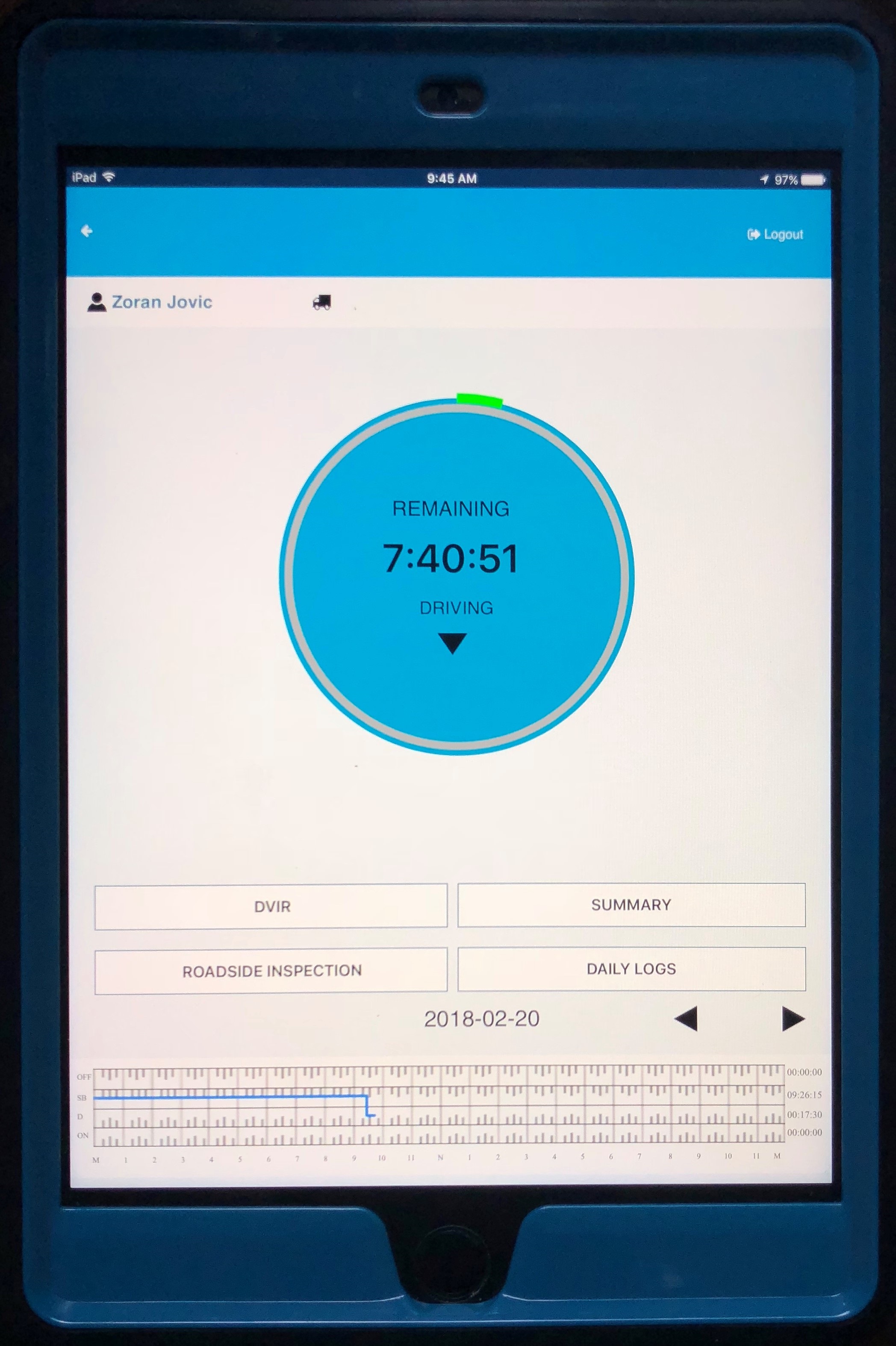
| Vendor | Device Name | Model Number | Approved Version |
|---|---|---|---|
| | EPG Connect iOS Phone | EPG ELD 2 | 1.4 |
Data Transfer and Reporting Procedures
>Malfunctions and Testing
EPG Connect uses the telematics data transfer option. Driver will select the "Email Logs" link or the "Transfer Logs" link on the Roadside Inspection page to share the records via email or web services, and enter the required output comments. User manual includes instructions and screenshots of the application.Certification Statement
EPG Connect will recognize the main malfunctions: 1. Power Malfunction: No power information from ECM while Vehicle is in motion for an aggregated 30 minutes or more, over a 24-hour period. 2. Engine Synchronization: No engine information or no link to the vehicle ECM, for more than an aggregated 30 minutes during a 24-hour period. 3. Timing: Unable to verify its timing accuracy. 4. Positioning: No valid position measurement within 5 miles of the CMV’s movement, while the malfunction persists for 60 minutes over a 24-hour period. 5. Data Recording: No recording or retaining of required events or no ability to retrieve recorded logs that are not otherwise stored remotely. 6. Other: All other malfunctions not covered in the previous categories. Data Test Malfunctions: EPG Connect has been tested to verify the data transfer functionality and the data output file, using the FMCSA data file checker. The web service transfer was tested in house, utilizing the FMSCA web service coding schema. Additionally, the data transfer through email was tested in house utilizing FMCSA email format as guide, to check for functionality and correct format to include the Data Transfer check will occur once every 7 days automatically, without driver input. If data transfer is not able to complete the self-test, EPG Connect will start checking every 24 hours. After 3 failed data transfer checks, EPG Connect will save the event as data transfer malfunction. The malfunctions are programmed using FMCSA technical documentation as a guide.
User Manual:  EPG User Guide V.1.4 iOS Phone.pdf