
Products with ELD "ELP001"
Below you will find a list of products with the ELD "ELP001" obtained from our database, including their available manuals, documentation, and images.
Click the corresponding vendor name to obtain additional information on the manufacturer, as well as contact information for further troubleshooting.
eLogPro - Self Revoked as of 1636396055
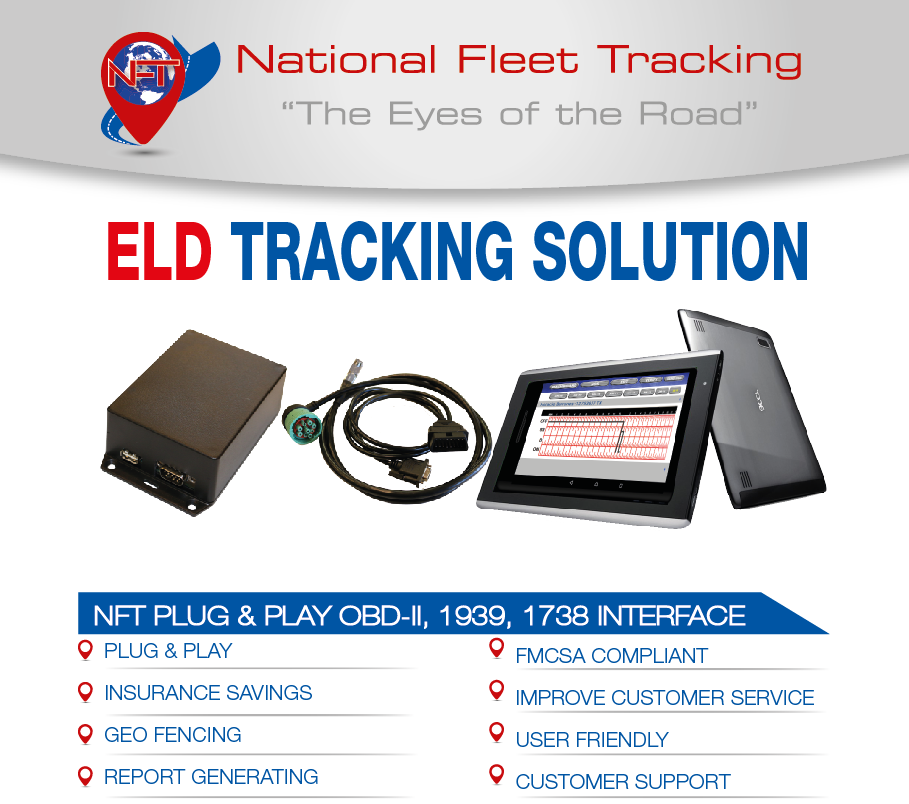
| Vendor | Device Name | Model Number | Approved Version |
|---|---|---|---|
| | eLogPro | NFTELP-001 | 1.0 |
Data Transfer and Reporting Procedures
>Malfunctions and Testing
Supported and certified data transfer mechanisms are USB2.0 and Bluetooth. Steps are below. Bluetooth 1. Click on the Send Logs Button 2. Enter a comment (if requested by the inspecting officer). 3. Click the SEND TO DOT button. 4. Choose Bluetooth 5. A list of available bluetooth devices will pop up. Choose the officer's device and click on submit. USB 1. Connect the USB drive using the included OTG cable 2. Click on the Send Logs Button 3. Enter a comment (if requested by the inspecting officer). 4. Click the SEND TO DOT button. 5. Choose USB 6. A list of available drives will pop up . Choose the USB drive and click on submit.Certification Statement
Power compliance - The device records a “Power diagnostic event” every time it is powered up. Once it re-establishes a connection to the ECM and gets a valid GPS time and position fix it will then clear the “Power diagnostic event” Every two minutes the device records the current engine hours and odometer reading and writes that data to its internal memory. At Power up it will compare the recorded values to the current values and if the difference in the odometer is greater than 15 miles or the engine hour difference is greater than 0.4 hours then a Power compliance Malfunction will be created. Additionally the device will also check for any other “Power up events” and add their odometer and hour reading differences to see if accumulated time exceeds the values stated above and will create a Power Malfunction Event. Engine synchronization - The device polls the ECM of the truck every two minutes and at any time a duty status change is initiated. Additionally it monitors speed and engine status(running or not) in real time. If it does not get valid data off of the ECM during one of these polls it creates an “Engine Synchronization data diagnostic” event is created. Once ECM connection is established the data diagnostic event is cleared. If the time between ECM disconnections and connections reaches a total of 30 minutes during a 24 hour period then an Engine Synchronization Malfunction will be created. Once the ECM disconnected time falls below 30 minutes in a 24 hour period the Engine Synchronization Malfunction will be cleared. Timing Compliance - The device updates its internal clock based with an NTP server from the cellular system periodically. If the time returned by the NTP server and the current value of the internal clock are more than 10 minutes apart or the NTP server is not available a Timing compliance Malfunction will be created. Position - GPS position is check ed every 5 miles or 5 minutes whichever happens first and also at any time a duty status change is initiated. If accumulated time with no valid positions exceeds 1 hour in a 24 hour period we create a position malfunction. Data Recording - At each event creation the event being created is checked for all required data for that event. If there is any missing data a “Missing required data elements data diagnostic” event is created. Additionally available memory is checked and if there is not enough memory available a Data Recording Malfunction will be created. Data Transfer - The driver can initiate a test data transfer at any time. The ELD will also automatically initiate a test data transfer every 5 days. If either the automatic or driver initiated test fails a “Data Transfer Diagnostic” event is created. The ELD will then initiate another test data transfer every 24 hours. If the test is successful then the “Data Transfer Diagnostic” event will be cleared. If it fails it will try again in another 24 hours. After three failures a “Data Transfer Malfunction will be created” Unidentified Drive Time - Any driving time recorded when a valid driver is not logged into the ELD will create drive time under the Unidentified Driver Profile. Once this time exceeds 30 minutes then an “Unidentified driving records data diagnostic” event will be created. Additionally, if there is ANY unidentified drive time on the ELD the driver is notified on both login and logout and given the opportunity to claim or reject this drive time. Once a driver claims the unidentified drive time and the amount of unidentified drive time fall below the threshold the diagnostic event will be cleared. Other - We do not monitor any other internal faults other than the ones required by the rule.
User Manual:  NFT-ELP-001DriversManual.pdf