
Products with ELD "ELDSQD"
- ELD-Squad Version 1.0.0. and higher
- TX-ELD Version 1.0.0. and higher
- TX-ELD Version 2.2.0 and higher
- TX-ELD Version 3.0.0 and higher
Below you will find a list of products with the ELD "ELDSQD" obtained from our database, including their available manuals, documentation, and images.
Click the corresponding vendor name to obtain additional information on the manufacturer, as well as contact information for further troubleshooting.
ELD Squad
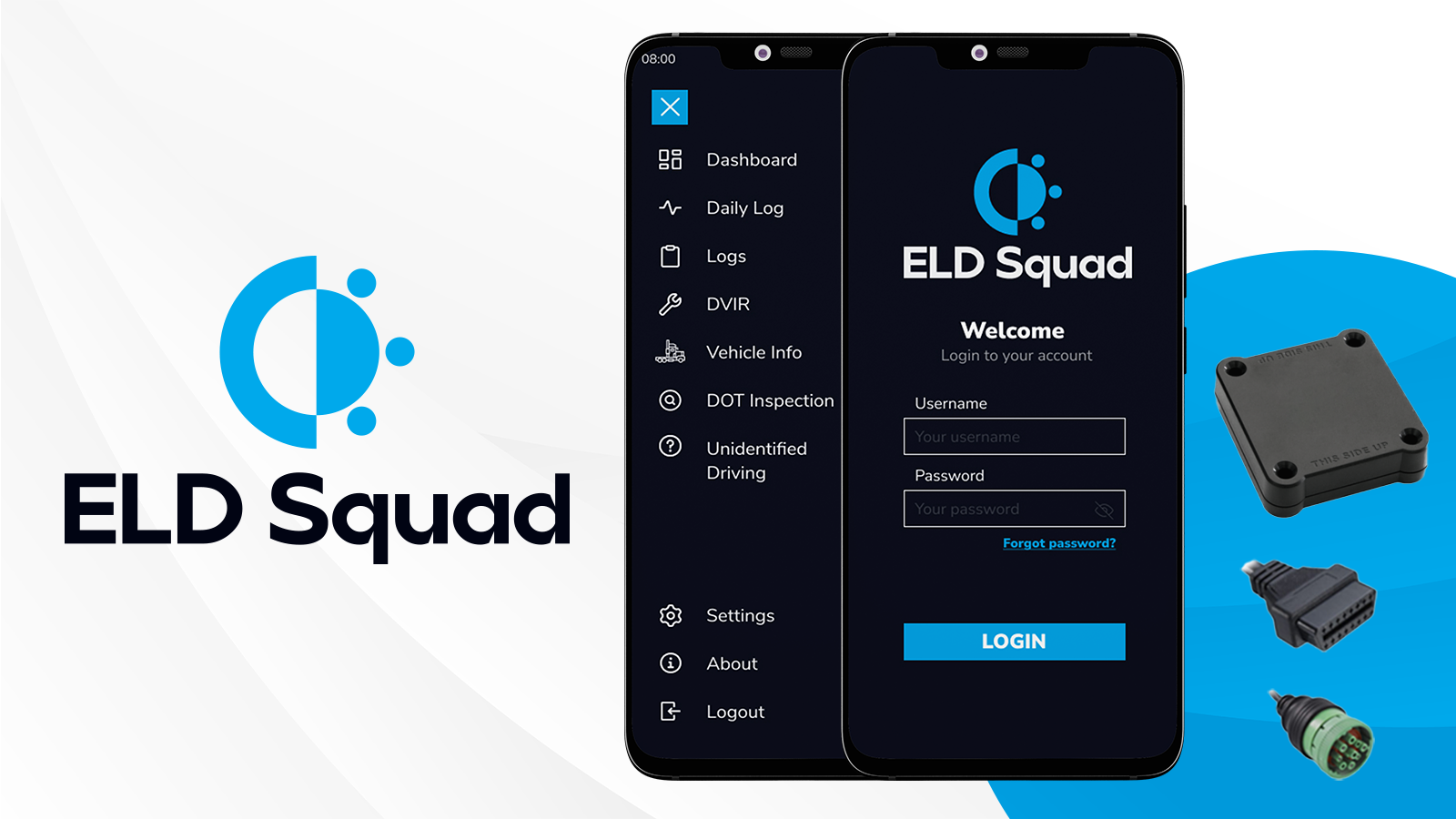
| Vendor | Device Name | Model Number | Approved Version |
|---|---|---|---|
| | ELD Squad | SQUAD | 1.0.0. and higher |
Data Transfer and Reporting Procedures
> Telematic (Web Service, Email)Malfunctions and Testing
ELD Squad offers versatility in generating and transmitting ELD records through two distinct telematics transfer methods: Wireless Web services and Email. To initiate the transfer via Web services, drivers need to navigate to the "DOT Inspection" menu, proceed to select the "Transfer Logs" option, choose Web Service as the Data Transfer Type, and finally, press the "Transfer Data" button. Alternatively, for Email transfer of ELD records, drivers follow a similar process within the "DOT Inspection" menu, selecting the "Transfer Logs" option, specifying Email as the Data Transfer Type, and concluding the process by pressing the "Transfer Data" button.Certification Statement
The ELD Squad system is crafted to independently surveil its functionality, detecting potential malfunctions across a spectrum of areas, including power-related issues, engine synchronization, timing disparities, positioning inaccuracies, data recording challenges, impediments in data transfer, critical data elements, and instances of unrecognized driving, in compliance with regulatory requirements.
User Manual:  ELD Squad.pdf
TX ELD
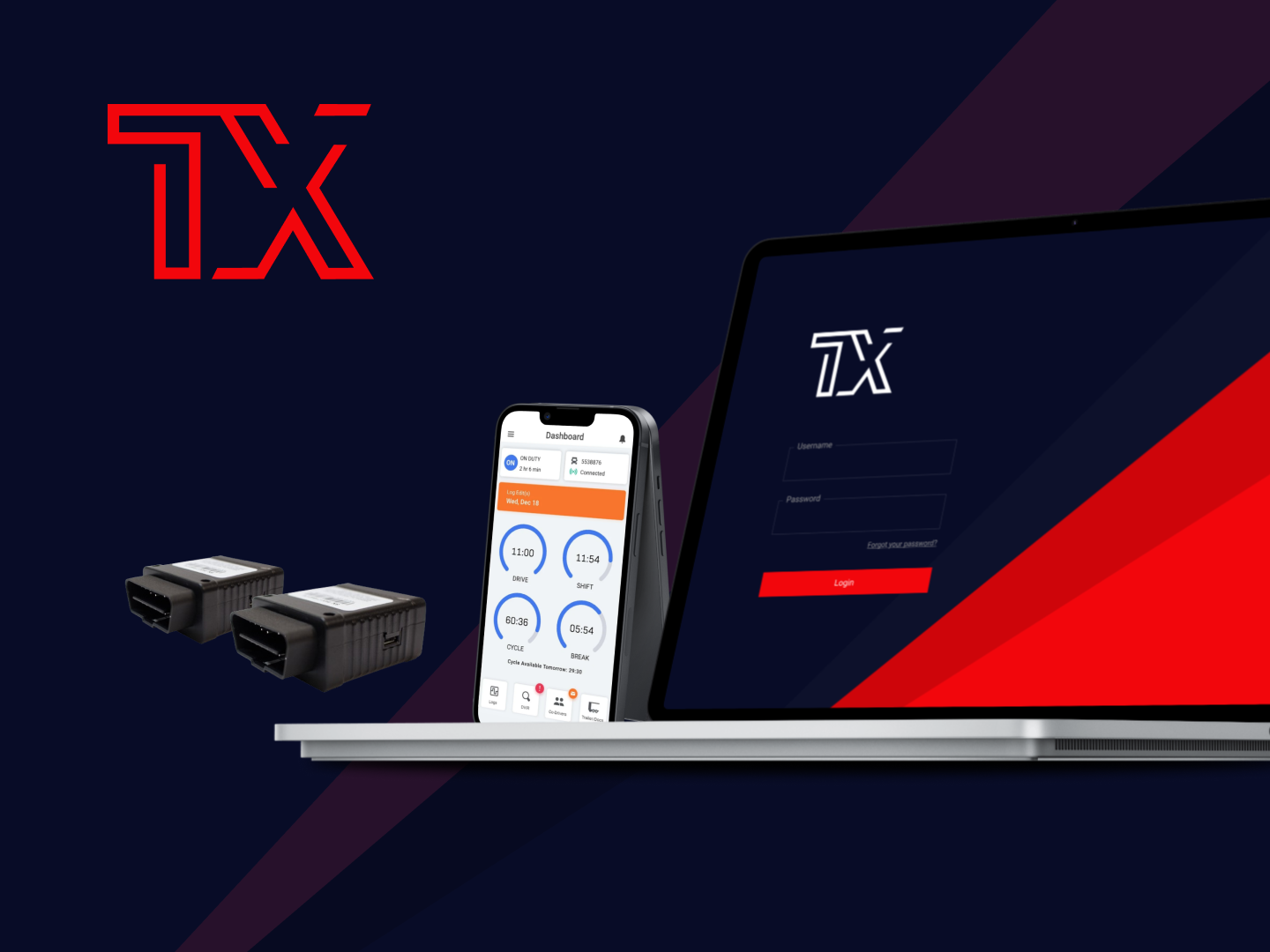
| Vendor | Device Name | Model Number | Approved Version |
|---|---|---|---|
| | TX ELD | SQUAD | 1.0.0. and higher |
Data Transfer and Reporting Procedures
> Telematic (Web Service, Email)Malfunctions and Testing
TX ELD offers versatility in generating and transmitting ELD records through two distinct telematics transfer methods: Wireless Web services and Email. To initiate the transfer via Web services, drivers need to navigate to the "DOT Inspection" menu, proceed to select the "Transfer Logs" option, choose Web Service as the Data Transfer Type, and finally, press the "Transfer Data" button. Alternatively, for Email transfer of ELD records, drivers follow a similar process within the "DOT Inspection" menu, selecting the "Transfer Logs" option, specifying Email as the Data Transfer Type, and concluding the process by pressing the "Transfer Data" button.Certification Statement
The TX ELD system is crafted to independently surveil its functionality, detecting potential malfunctions across a spectrum of areas, including power-related issues, engine synchronization, timing disparities, positioning inaccuracies, data recording challenges, impediments in data transfer, critical data elements, and instances of unrecognized driving, in compliance with regulatory requirements.
User Manual: TXELD-Instruction-Manual-for-Drivers.pdf
TX ELD
| Vendor | Device Name | Model Number | Approved Version |
|---|---|---|---|
| | TX ELD | SQUAD | 2.2.0 and higher |
Data Transfer and Reporting Procedures
> Telematic (Web Service, Email)Malfunctions and Testing
TX ELD offers versatility in generating and transmitting ELD records through two distinct telematics transfer methods: Wireless Web services and Email. To initiate the transfer via Web services, drivers need to navigate to the "DOT Inspection" menu, proceed to select the "Transfer Logs" option, choose Web Service as the Data Transfer Type, and finally, press the "Transfer Data" button. Alternatively, for Email transfer of ELD records, drivers follow a similar process within the "DOT Inspection" menu, selecting the "Transfer Logs" option, specifying Email as the Data Transfer Type, and concluding the process by pressing the "Transfer Data" button.Certification Statement
The TX ELD system is crafted to independently surveil its functionality, detecting potential malfunctions across a spectrum of areas, including power-related issues, engine synchronization, timing disparities, positioning inaccuracies, data recording challenges, impediments in data transfer, critical data elements, and instances of unrecognized driving, in compliance with regulatory requirements.
User Manual: TXELD-Instruction-Manual-for-Drivers.pdf
TX ELD
| Vendor | Device Name | Model Number | Approved Version |
|---|---|---|---|
| | TX ELD | SQUAD | 3.0.0 and higher |
Data Transfer and Reporting Procedures
> Telematic (Web Service, Email)Malfunctions and Testing
TX ELD offers versatility in generating and transmitting ELD records through two distinct telematics transfer methods: Wireless Web services and Email. To initiate the transfer via Web services, drivers need to navigate to the "DOT Inspection" menu, proceed to select the "Transfer Logs" option, choose Web Service as the Data Transfer Type, and finally, press the "Transfer Data" button. Alternatively, for Email transfer of ELD records, drivers follow a similar process within the "DOT Inspection" menu, selecting the "Transfer Logs" option, specifying Email as the Data Transfer Type, and concluding the process by pressing the "Transfer Data" button.Certification Statement
The TX ELD system is crafted to independently surveil its functionality, detecting potential malfunctions across a spectrum of areas, including power-related issues, engine synchronization, timing disparities, positioning inaccuracies, data recording challenges, impediments in data transfer, critical data elements, and instances of unrecognized driving, in compliance with regulatory requirements.
User Manual: TXELD-Instruction-Manual-for-Drivers.pdf