
Products with ELD "AX9IOS"
Below you will find a list of products with the ELD "AX9IOS" obtained from our database, including their available manuals, documentation, and images.
Click the corresponding vendor name to obtain additional information on the manufacturer, as well as contact information for further troubleshooting.
iPIMM™ TMS
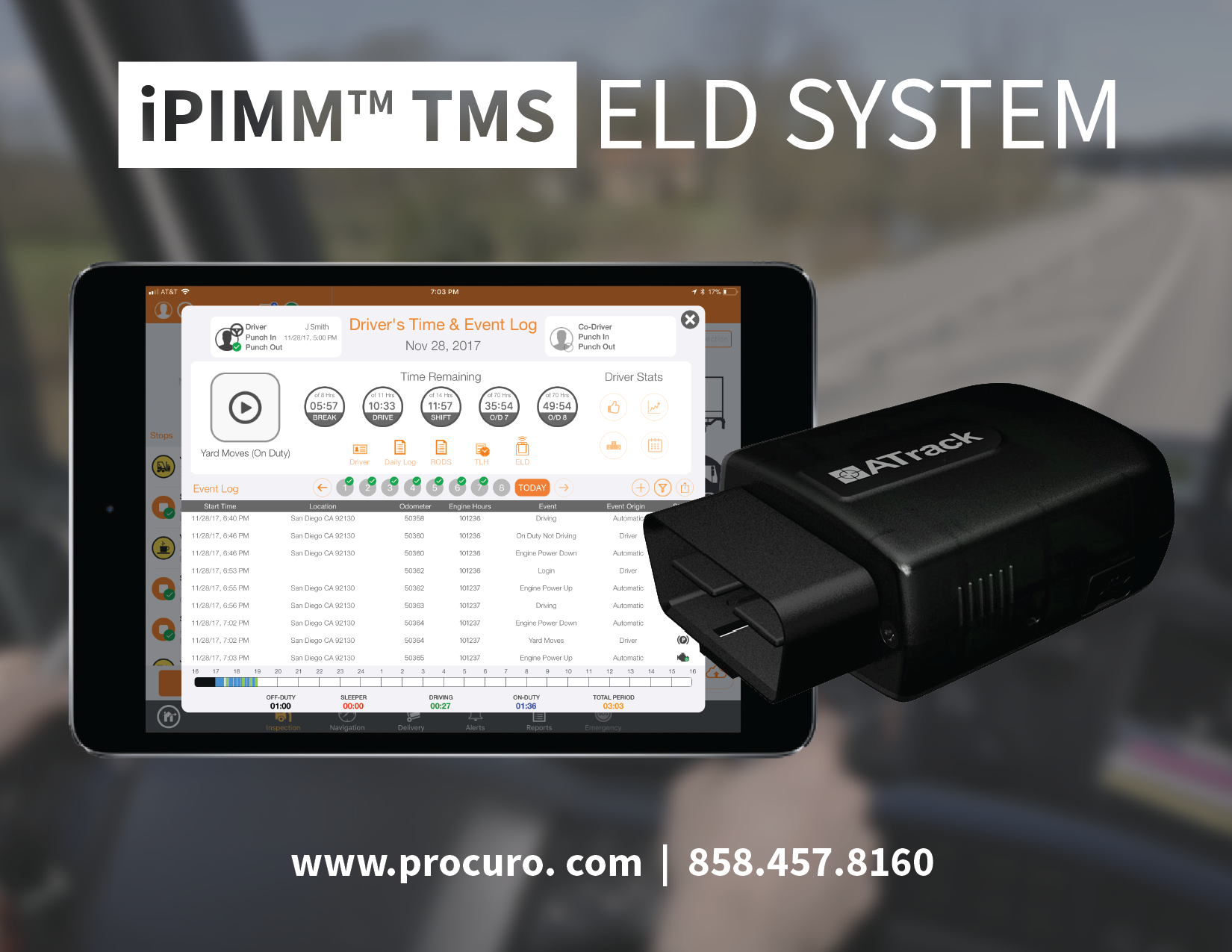
| Vendor | Device Name | Model Number | Approved Version |
|---|---|---|---|
| | iPIMM™ TMS | AX9-BT-iOS | 3.7.3 or higher |
Data Transfer and Reporting Procedures
>Malfunctions and Testing
All data transfers will be conducted by Telematics transfer in either supported method "web services" or "email". The iPIMM™ TMS application running on an iOS device supports the Telematics Web Services data transfer mechanism as outlined by FMCSA in the design document “ELECTRONIC LOGGING DEVICE Interface Control Document and ELD Web Services Development Handbook (Version 1.2)”. The driver/user can enter into a DOT/Roadside inspection mode with one click from the main view of the application. Inside of the inspection mode the driver has the ability for the inspecting officer to review the current day Record of Duty Status (RODS) report along with the previous 7-8 days of historical data. To electronically transfer the data the driver user will: 1. Click on the ELD Transfer icon 2. Enter an Output File Comment (if provided) 3. Select transfer type: Web Services or Email 4. Press send button, which will command the Procuro server to send the data file to FMCSA via web services or email. 5. Officer/inspector should confirm that data was transferred successfullyCertification Statement
Power Events: The ELD hardware (Atrack AX9) is configured to be powered on permanently even when the power unit/engine is shut off. An alert/event will be triggered if the device is not powered on while the power unit is powered on to comply with Power Events diagnostic events and malfunctions. Engine Events: The system is designed to collect all required ECM data on any event (power up/down, motion on/off, etc) and configured to read the ECM data on 1 minute interval in the absence of an event. If the unit is unable to collect the ECM data during any of these periods and Engine Synchronization Data diagnostic event is raised, and the unit automatically repairs the Bluetooth connection to request the data again. If the collective diagnostic events go above 30 minutes during any 24-hr period a compliance malfunction event will be recorded. Timing Events: The unit is configured to synchronize to server to maintain updated and accurate time-stamps in Coordinated Universal Time (UTC). Positioning Compliance: The ELD monitoring device (Atrack AX9) serves as the primary source of gps/location. If the gps is not available our system reverts to the backup gps/location to be collected from our iOS application (iPIMM TMS) running on Apple hardware. Data diagnostic malfunction events will be recorded when a valid position measurement is not recorded with 5 miles of the vehicle moving or 60 minutes have passed. This is unlikely since we are collecting location/gps on each ELD event and during set intervals of 1 minute. Data Recording Compliance: When a user logs into our system, after credentials are verified, the driver’s hours-of-service record and ELD event history is downloaded for the past 7 or 8 days (depending on driver’s set schedule). After historical events are downloaded all data is cached to the client and the client is responsible to locally maintain the data in the event that it cannot reach the server. A diagnostic event will occur if that initial download is not completed successfully. Missing Data Elements: The system is designed to enter all required information for each ELD event. In the event the data is missing from the ECM/system the user will be alerted to enter the fields before certifying/submitting the data to our server at the end of work day. Data Transfer Compliance: Similar setup to Data Recording Compliance. A diagnostic event will also occur when the user attempts to end the current session on the client and there are any events that have not been successfully uploaded to the server. The normal behavior the client is to send each ELD event directly to the server after it is cached locally to storage. Because GSM/cellular networks might not be available when each event occurs, the event is queued to send to the server once GSM/cellular network is available again. The system relies of ACK to know which events have been successfully uploaded to the server. Unidentified Driving Record Any driving event detect on the ELD device (Atrack AX9) without a user logged into the system will be sent to the server as an unidentified driving event. When the collective events within a 24-hour period exceed 30 minutes the event is logged as a Unidentified Driving records data diagnostic event. Visual Indicators for ELD: At all times in the UI a driver will be able to visually view the current status of the ELD system including if a data diagnostic or malfunction event is active. When any of these events occur and audible alert and pop-up display with appear for the driver on the iOS device.
User Manual:  iPIMM TMS ELD User Guide UPDATED.pdf