
Products with ELD "ARAND1"
Below you will find a list of products with the ELD "ARAND1" obtained from our database, including their available manuals, documentation, and images.
Click the corresponding vendor name to obtain additional information on the manufacturer, as well as contact information for further troubleshooting.
Saucon ELD Android
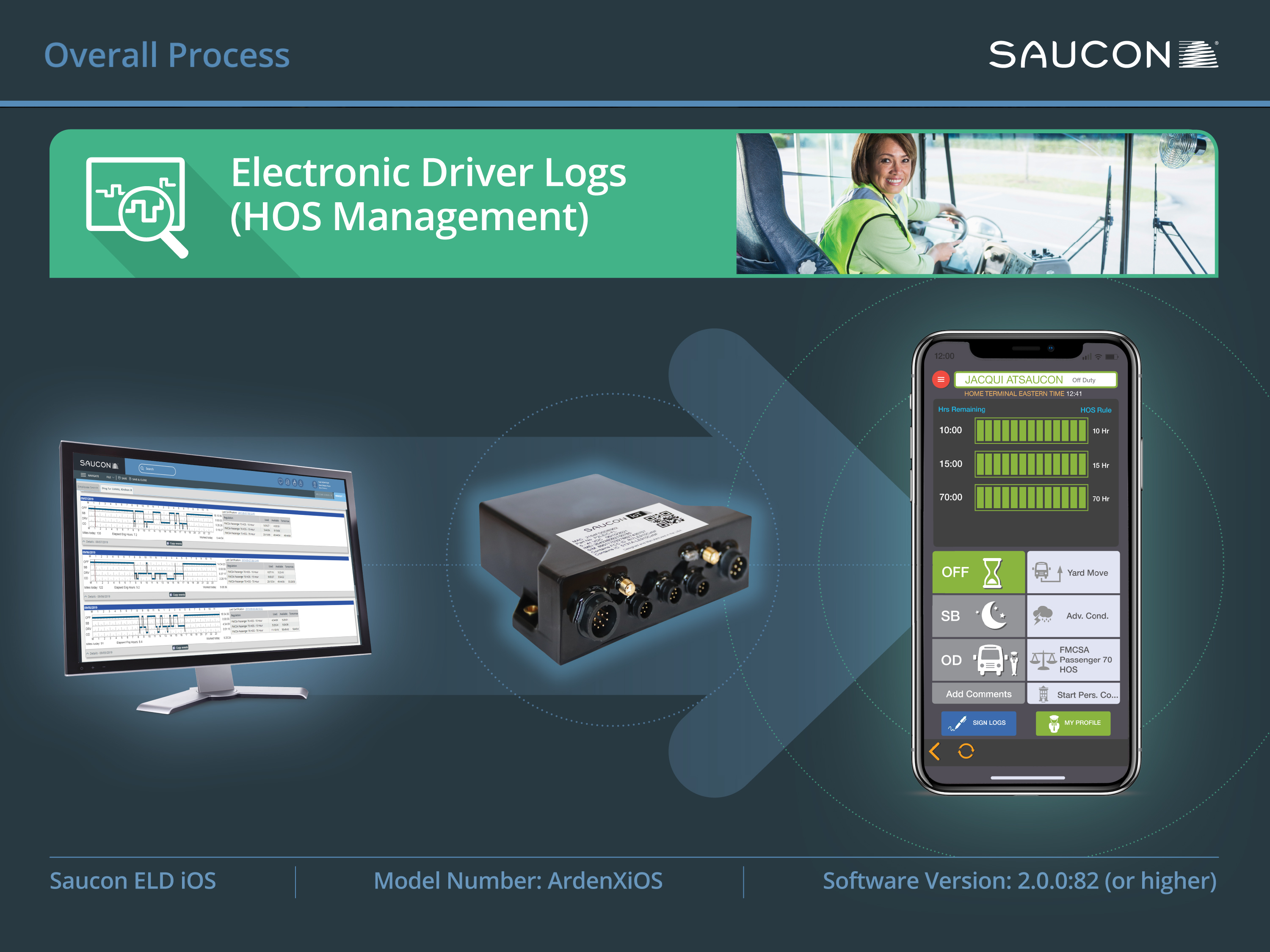
| Vendor | Device Name | Model Number | Approved Version |
|---|---|---|---|
| | Saucon ELD Android | ArdenXAndroid | 33 (1.0.8) |
Data Transfer and Reporting Procedures
> Telematic (Web Service, Email)Malfunctions and Testing
Saucon ELD Android uses the telematics option (web services and email) to transfer the data during a roadside inspection. From the main screen, the driver taps the red menu button, and selects "Inspection Mode." Once there, the driver taps the "Transfer" button. The driver is then prompted to select the method of transfer specified by the inspector (Web Services or email), and enter a code provided. Once the method of transfer is selected and the code is entered, the file is transferred.Certification Statement
Saucon ELD Android provides the following diagnostic and malfunction events, as specified in the ELD regulation, Section 4.6 Table 4: "Power compliance" malfunction; "Engine synchronization compliance" malfunction; "Timing compliance" malfunction; "Positioning compliance" malfunction; "Data recording compliance" malfunction; "Data transfer compliance" malfunction; "Power data diagnostic" event; "Engine synchronization data diagnostic" event; "Missing required data elements data diagnostic" event; "Data transfer data diagnostic" event; "Unidentified driving records data diagnostic" event. It also provides a ”Positioning diagnostic” (listed under the ‘Other’ category), if a vehicle has traveled 5 miles without acquiring a valid position measurement. The Saucon ELD Android product uses a visual indicator which changes color to indicate diagnostic and malfunction status. When no Data Diagnostic Events or Malfunctions are active, the indicator will display green. When any of the noted Data Diagnostics events are active, the indicator will display yellow. When any of the noted Malfunctions are active, the light indicator will display red. If both a Malfunction and Data Diagnostic event are active, the indicator display red and yellow simultaneously.
 Android_iOS Bring Your Own Device ELD Manual - Driver Log App v. 9.pdf