
Products with ELD "3PB27S"
Below you will find a list of products with the ELD "3PB27S" obtained from our database, including their available manuals, documentation, and images.
Click the corresponding vendor name to obtain additional information on the manufacturer, as well as contact information for further troubleshooting.
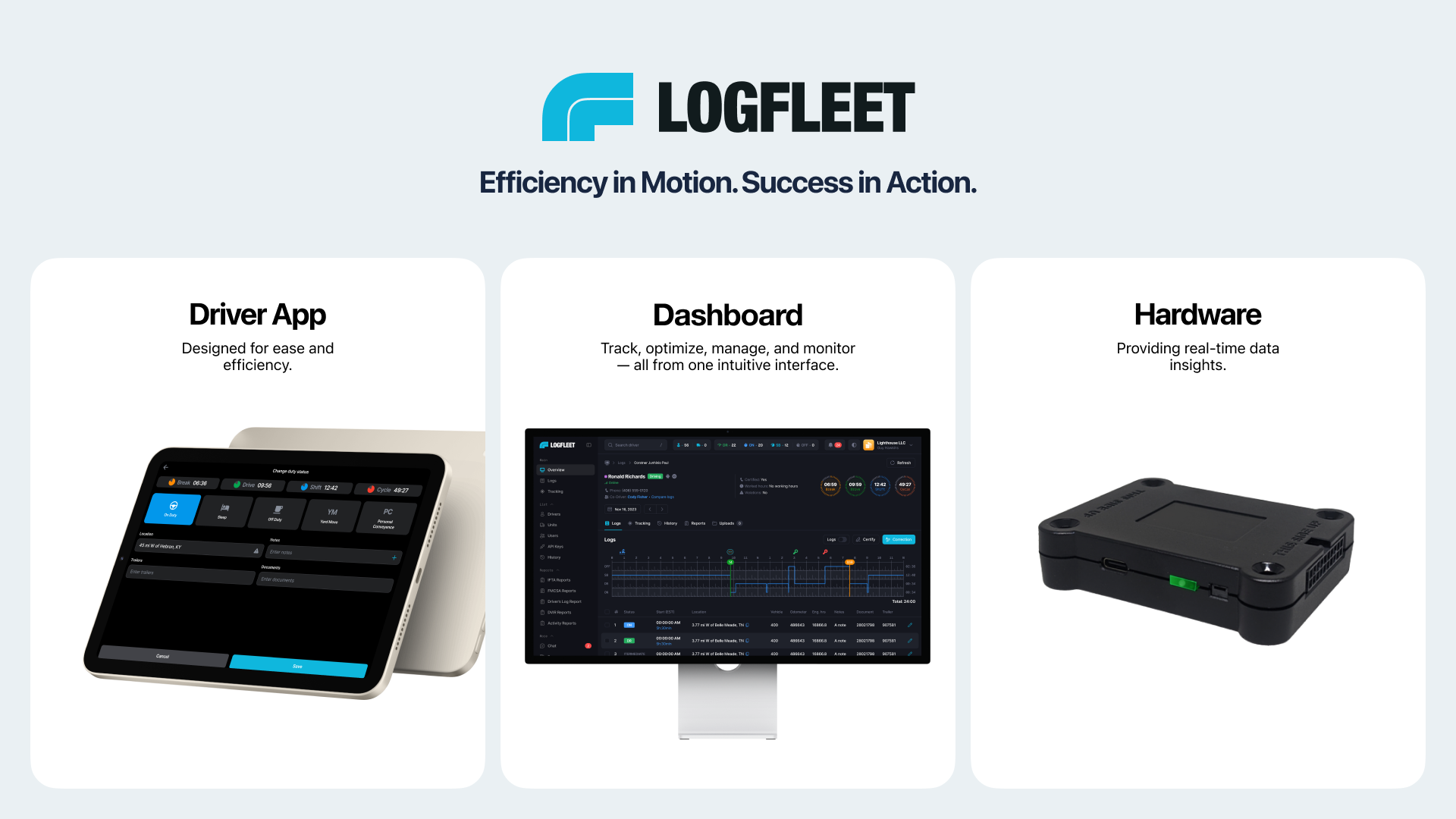
Logfleet ELD
| Vendor | Device Name | Model Number | Approved Version |
|---|---|---|---|
| | Logfleet ELD | LFE1 | 1.0.0 |
Data Transfer and Reporting Procedures
> Telematic (Web Service, Email)Malfunctions and Testing
Access the Menu icon located in the top-left corner and select DOT Report. In the subsequent pop-up menu, choose Send the file to initiate the transfer of your electronic logbook data to the Department of Transportation (DOT). Next, select the desired transmission method by utilizing the provided radio buttons: Web Service or Email. Enter given comments in the designated field. Once all required fields are completed, click Send to finalize and submit the data transmission.Certification Statement
Logfleet ELD ensures full compliance with technical standards, quickly identifying malfunctions or data inaccuracies. It immediately logs all malfunctions and diagnostic events using the following standard codes: P: Power compliance issues E: Engine synchronization issues T: Timing compliance issues L: Positioning compliance issues R: Data recording issues S: Data transfer issues O: Other ELD-detected malfunctions For diagnostic events, codes 1–6 indicate: 1. Power-related diagnostics 2. Engine synchronization diagnostics 3. Missing required data elements 4. Data transfer issues 5. Unidentified driving records 6. Other diagnostics The Logfleet ELD system generates detailed malfunction and diagnostic reports for a specified period and ensures active malfunctions are prominently displayed to drivers in real time.
User Manual:  Logfleet ELD User Manual.pdf