
Products with ELD "060215"
Below you will find a list of products with the ELD "060215" obtained from our database, including their available manuals, documentation, and images.
Click the corresponding vendor name to obtain additional information on the manufacturer, as well as contact information for further troubleshooting.
TheTMS ELD Product Solution
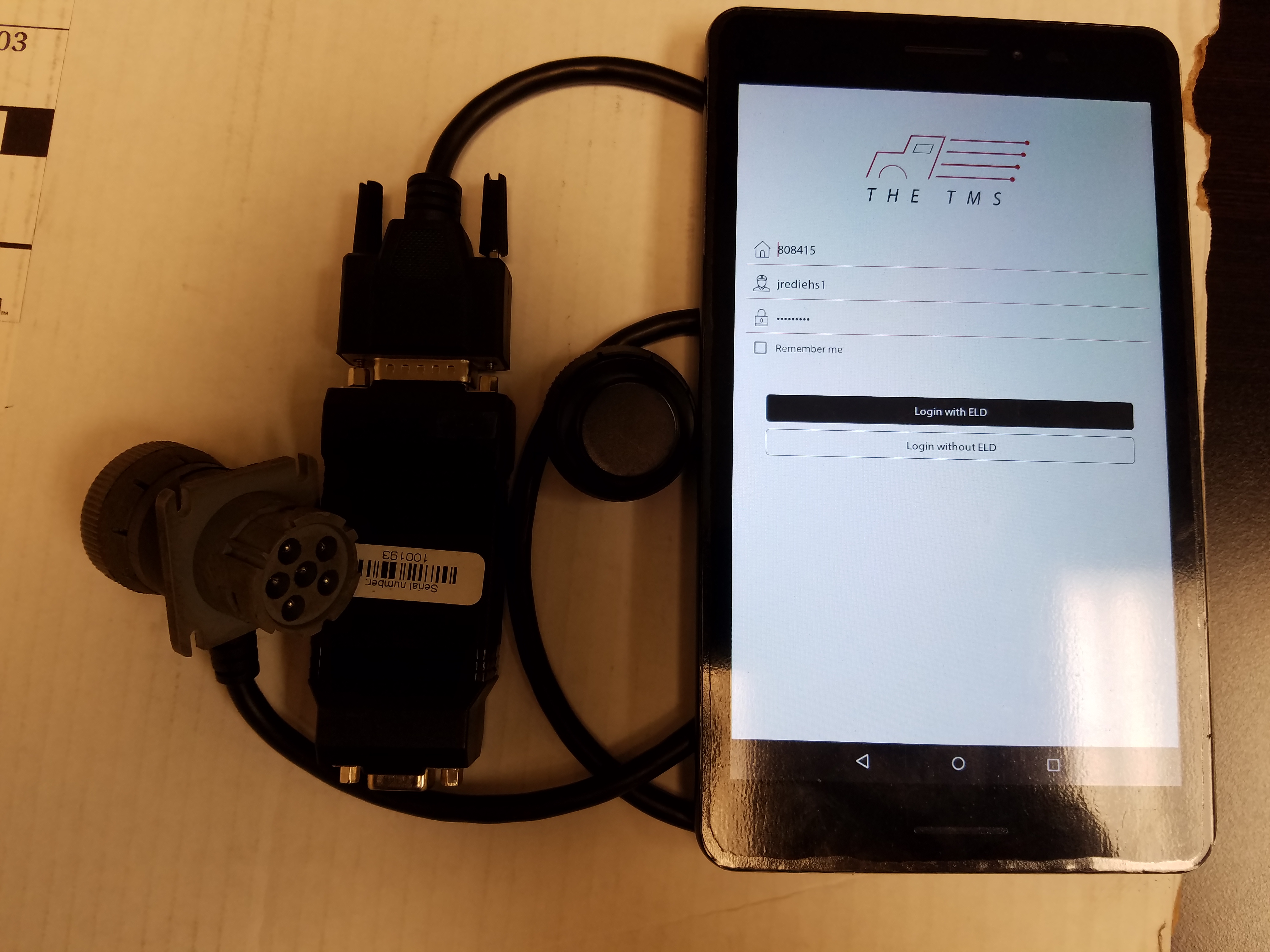
| Vendor | Device Name | Model Number | Approved Version |
|---|---|---|---|
| | TheTMS ELD Product Solution | 1.118 | 1.111 |
Data Transfer and Reporting Procedures
>Malfunctions and Testing
• Description of the supported and certified data transfer mechanisms and step-by-step instructions for a driver to transfer ELD records to an authorized safety official. • During a Roadside DOT inspection you can enter the “DOT Inspection Mode • Navigate to the Home Screen Click on “DOT Inspection Mode” and hand it to the officer • The next screen will give the officer two options: o 1. Inspect Logs for previous 7 days + today “Begin Inspection ? If the officer chooses this option he can easily navigate the last 7 days in logs directly on the screen o 2. “Send Logs” Choice will email the logs to the officer for further review ? It will prompt the user to enter an email address ? Once the email is entered hit submit and the system will send DOT certified formatted Logs to the officers or governing bodies email account, with the correct Subject headers and format ? The Officer than can navigate between dates with the arrows on either side of the date ? When the officer is complete navigate back to the home page by selecting home from the accordion optionCertification Statement
o All Malfunctions will be reported in pop up form for the user to easily Identify from any screen on the device, it will report the error occurring and suggest activities for correcting the error the unit and user are experiencing. Below is a list of Malfunctions required by the FMCSA and the corresponding error in theTMS ELD solution. o P – “Power Compliance” malfunction ? TheTMS equivalent – “P” - “Plug in Device is not powered on” o E – “ Engine Synchronization compliance ? TheTMS equivalent – “E” – “Engine synchronization data diagnostic” – Explaination: Looks like the ECM has lost connection with the ELD. Please restart the engine, check the connection of your ELD device and restart mobile app” o T – “Timing compliance: malfunction ? TheTMS equivalent – “T” “ELD timing is not working properly” ? Explaination: Looks like the ELD device has a timing issue. Please restart the engine, check the connection of your ELD device and restart mobile app” o L – “Positioning Compliance” malfunction ? TheTMS equivalent – “L” ELD system cannot not properly determine positioning ? Explanation: Looks like the ELD device has a GPS issue. Please restart the engine, check the connection of your ELD device and restart mobile app” o R – “Data recording Compliance” Malfunction ? TheTMS equivalent – “R” “Missing Required Data Elements data diagnostics” ? Explanation: Looks like some of the data fields are missing at the time of recording, please restart the engine, check the connection of your eld device and restart the mobile app. o S – “ Data Transfer compliance” Malfunction ? TheTMS equivalent – “S” “Data transfer data compliance” ? Explanation: Looks like the data is not getting transferred from the ELD please restart the engine, check the connection of your ELD device and restart the mobile app. o O – “Other” ELD detected Malfunction ? TheTMS equivalent – “O” “Un-identified error is occring” ? Explanation: Something went wrong restart the engine, check the ? connection of your ELD device and restart the mobile app. o 1 – Power Data diagnostics ? Thetms Equivalent: “1” Power diagnostics issues --- prompt user to restart system o 2 – Engine synchronization data diagnostics ? Thetms Equivalent: “2” Engine and ELD synchronization diagnostics issues --- prompt user to restart system, check connection of device, and reconnect to the ELD o 3 – Missing required data elements data diagnostics ? Thetms Equivalent: “3” Data “xyz” elements are missing from ELD logs --- Prompt user to restart system, check connection of device, and reconnect to the ELD o 4 – Data Transfer data diagnostic ? Thetms Equivalent: “4” Attempting to Reconnect Data Transfer --- prompt user to restart system if connection is not made o 5 – Unidentified Driving Record Data Diagnostics ? Thetms Equivalent: “5” Unidentified Driving Record Found ---- Prompt user to sign into the APP to claim unassigned events o 6 – Other ? Thetms Equivalent: “6” An error has occurred --- Prompt user to let them know that a general system diagnostic is taking place to Identify issue
User Manual:  TheTMS ELD Product Solutions Manual.pdf